
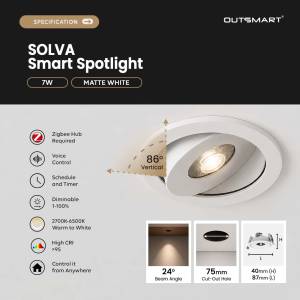
 Zigbee Hub Required
 Schedule and Timer
 Adjustable Brightness
 Voice & App Control
 Ra95 High CRI
 Warm white light (2700K–6500K)
FAQ
- Download Outsmart® app from Google or Apple Store
- Register an account with us
- Grant all Wifi, Bluetooth, location and notification access for seamless connectivity
- Connect your mobile to ONLY 2.4ghz Wifi, and turn on Bluetooth
- Tap on the (+) button on top right, then Add Device
- Ensure Wifi and Bluetooth are both turned on
- Reset Switch / Enter Paring Mode
To reset the switch and enter into pairing mode, turn on and off the light switch 3 times and it will start flashing - Tap open the Zigbee hub from app, and tap on add new device
- App will auto discover the product, otherwise, reset the product again
- Enter the correct password
- Tap next and add
- You are connected !
- Digital manual : https://outsmart.sg/digital-manual-zigbee-downlight/
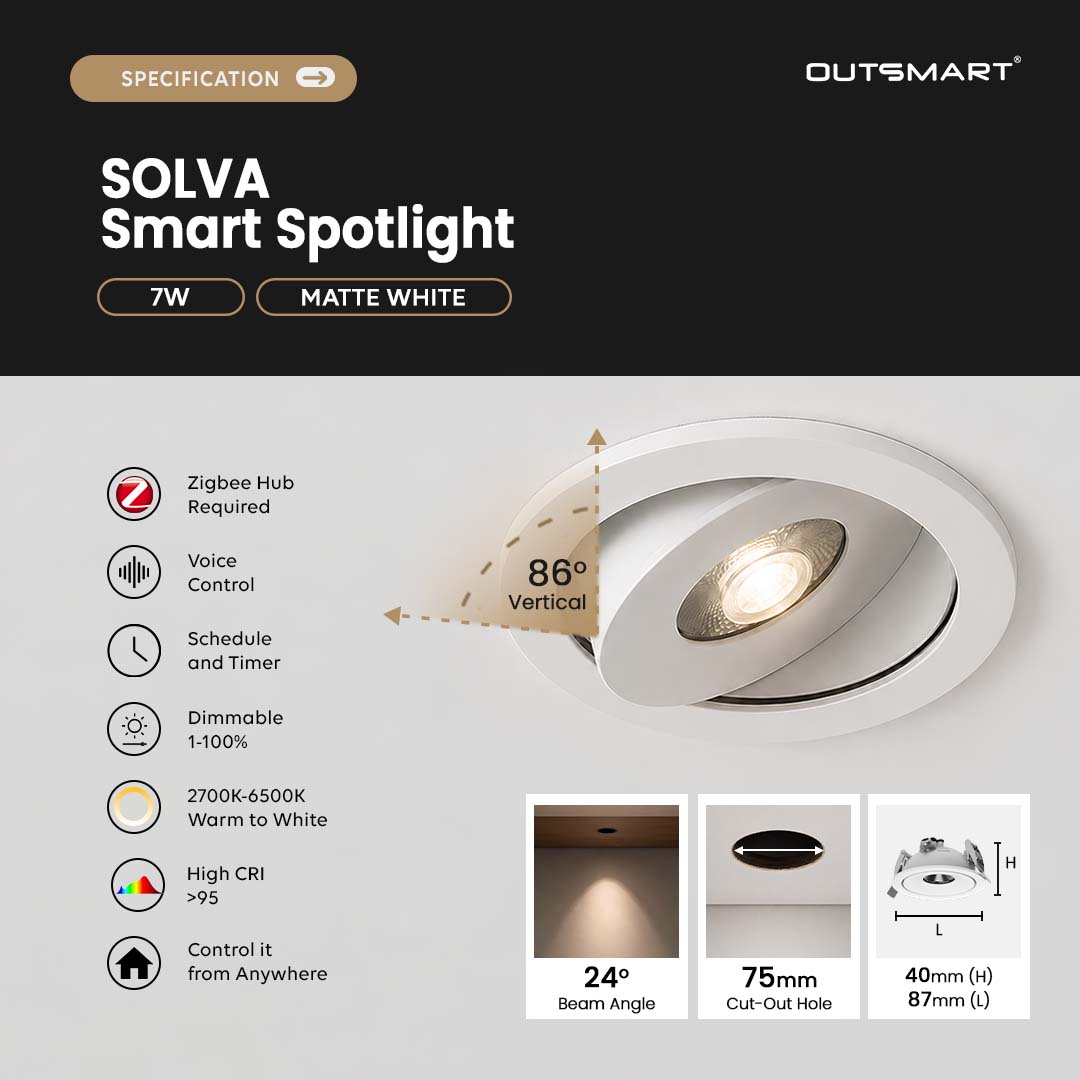
Yes, a Zigbee hub is required for connectivity and smart features.
Yes, it works with Alexa and Google Assistant for hands-free voice control.
Yes, the brightness is adjustable, allowing you to create the perfect ambiance.
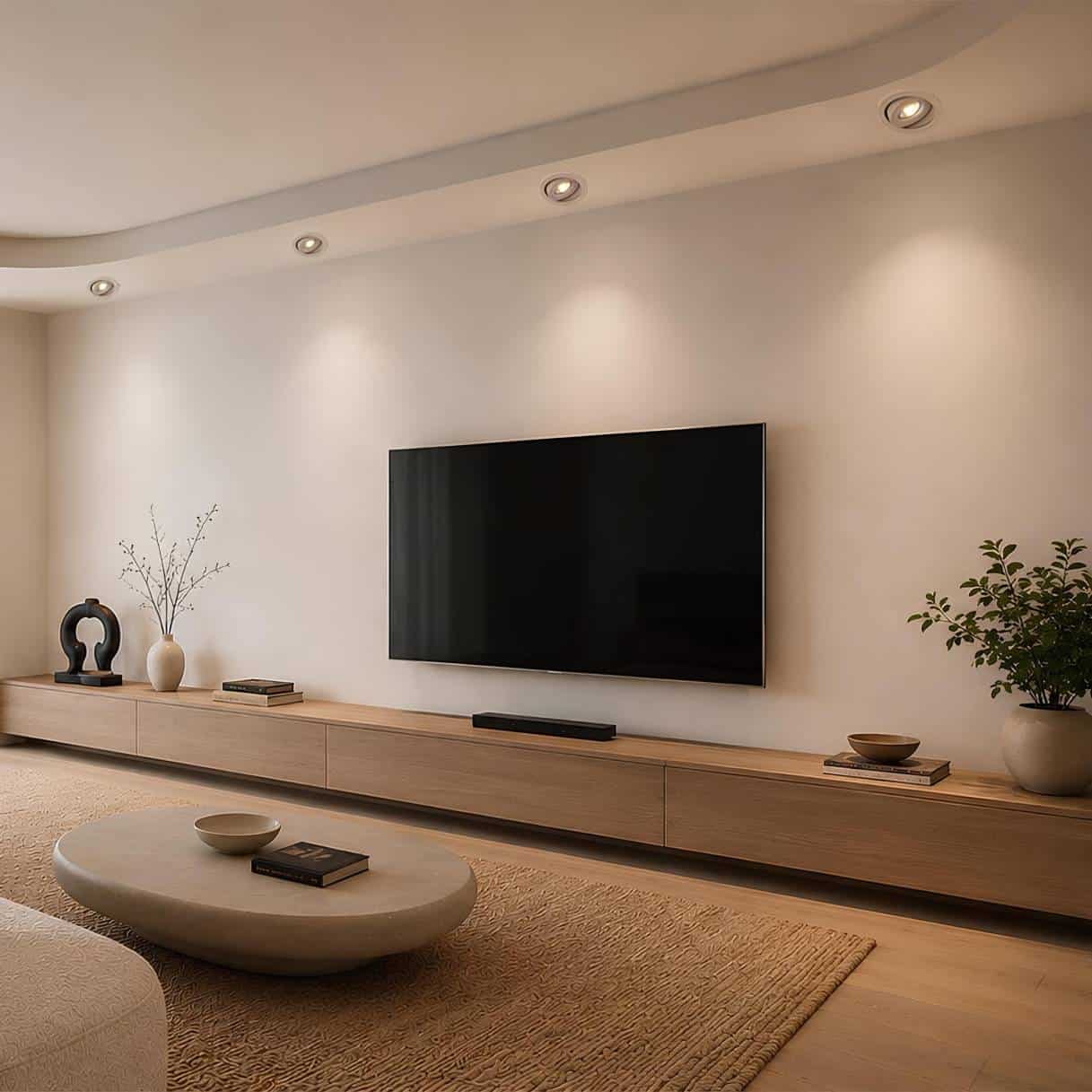
The spotlight features a 24° beam angle, providing focused and comfortable illumination that is ideal for highlighting interior details.
The color temperature ranges from 3000K (warm white) to 6000K (cool white).
Yes, you can control the lights remotely via the smart app.
Yes, you can set schedules and timers for automated lighting control.
Yes, the lights are dimmable, allowing you to adjust the brightness to your preference.
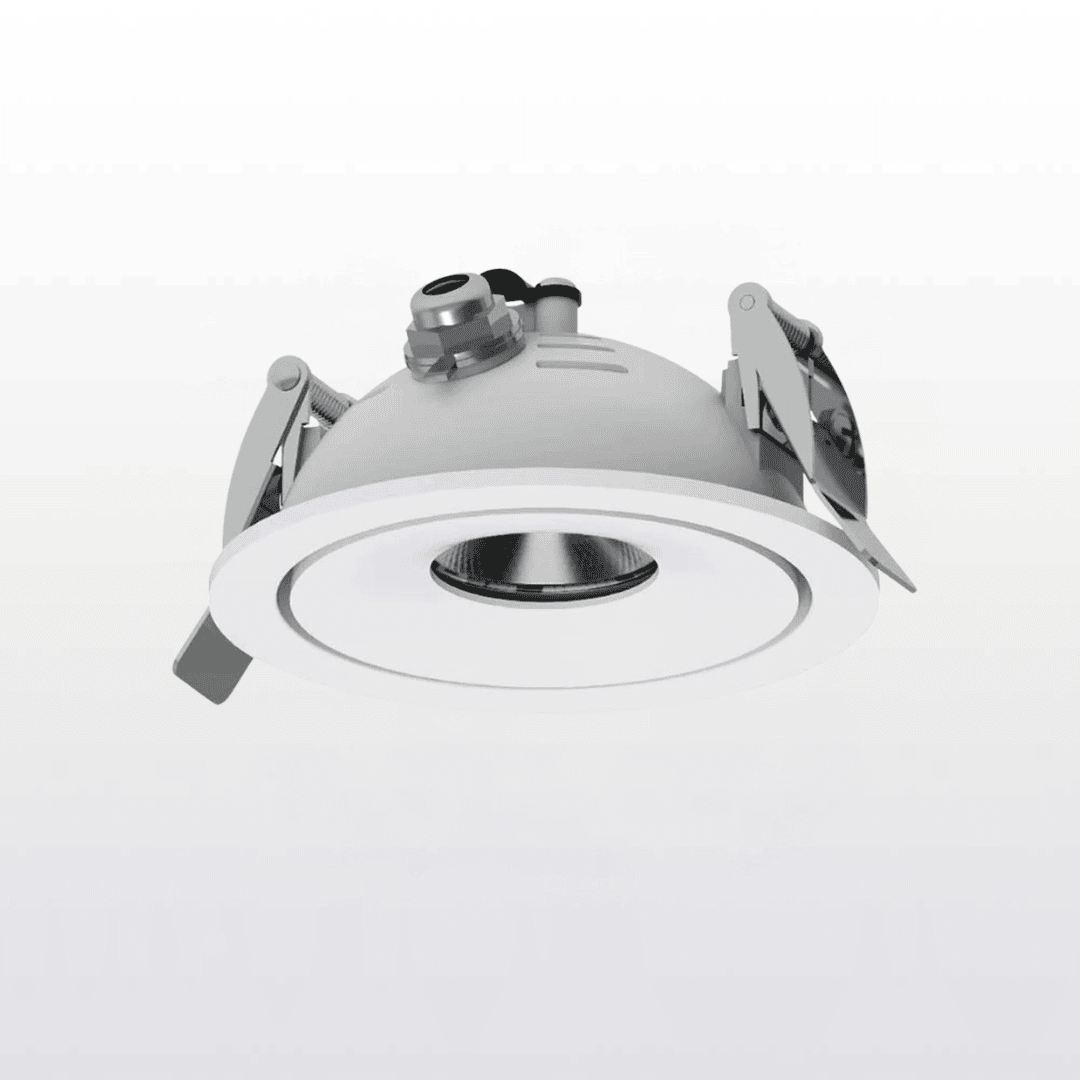
Yes. The spotlight features an adjustable tilt of up to 86°, allowing you to direct the light exactly where you need it.
Reviews
There are no reviews yet.