Manage and control all your smart devices conveniently in one app.
Zigbee Hub Required for Connection
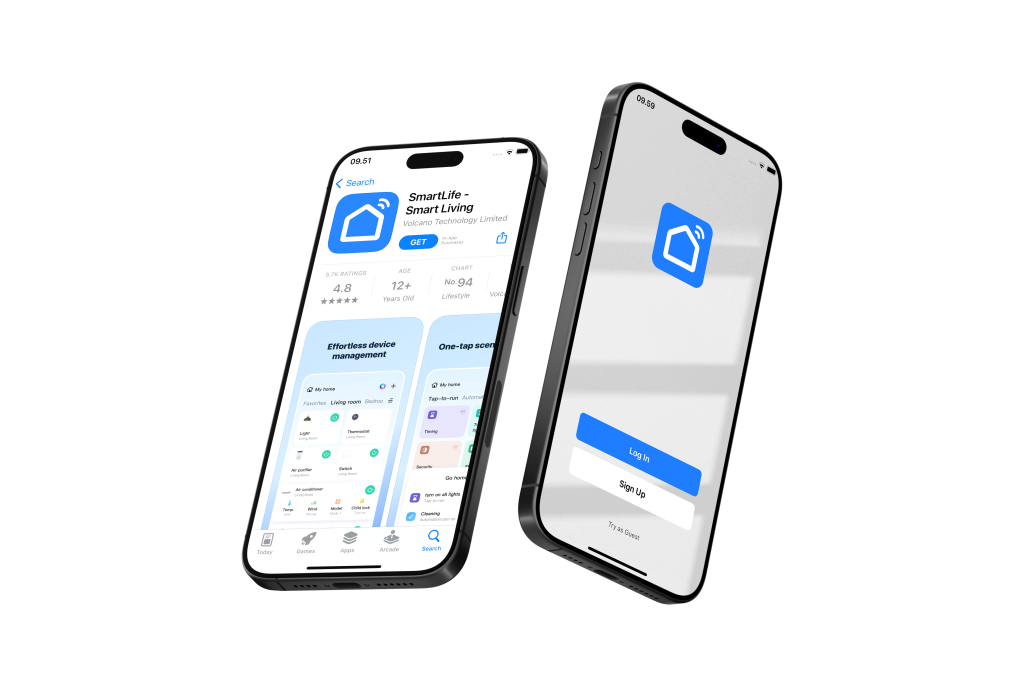
Download Smartlife App:
Visit the Google Play Store (for Android devices) or Apple App Store (for iOS devices)
Search for “Smartlife” and click the “Download” or “Get” button
Register Your Account:
Open the Smartlife app and follow the registration prompts
Create a new account to get started
Grant Necessary Permissions:
To ensure seamless connectivity, please grant the Smartlife app access to:
Notifications
Location
Wi-Fi
Bluetooth
Important Wi-Fi Configuration Note: Most smart home products, including this device, are compatible with Wi-Fi 2.4GHz networks only.
If you have a combined router: Please contact your telecom provider for assistance on how to disable Wi-Fi 5GHz to ensure proper connectivity.
Pre-Connection Checklist:
Before adding your device, please ensure:
✓ Bluetooth is enabled on your mobile phone ✓ Wi-Fi is enabled on your mobile phone ✓ Your mobile phone is connected to your home Wi-Fi network (2.4GHz)
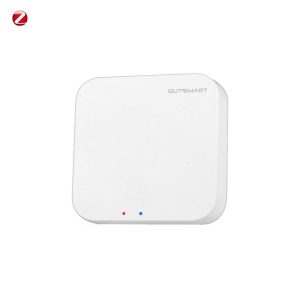
Ensure Outsmart Zigbee Hub is Connected Successfully
A Outsmart Zigbee hub is required in order to use Outsmart Zigbee products
If user has more than 1 zigbee switch, it is recommended to reset all together and let it enter pairing mode.
Zigbee hub will then locate all together at once.
Product Introduction
Product Set up
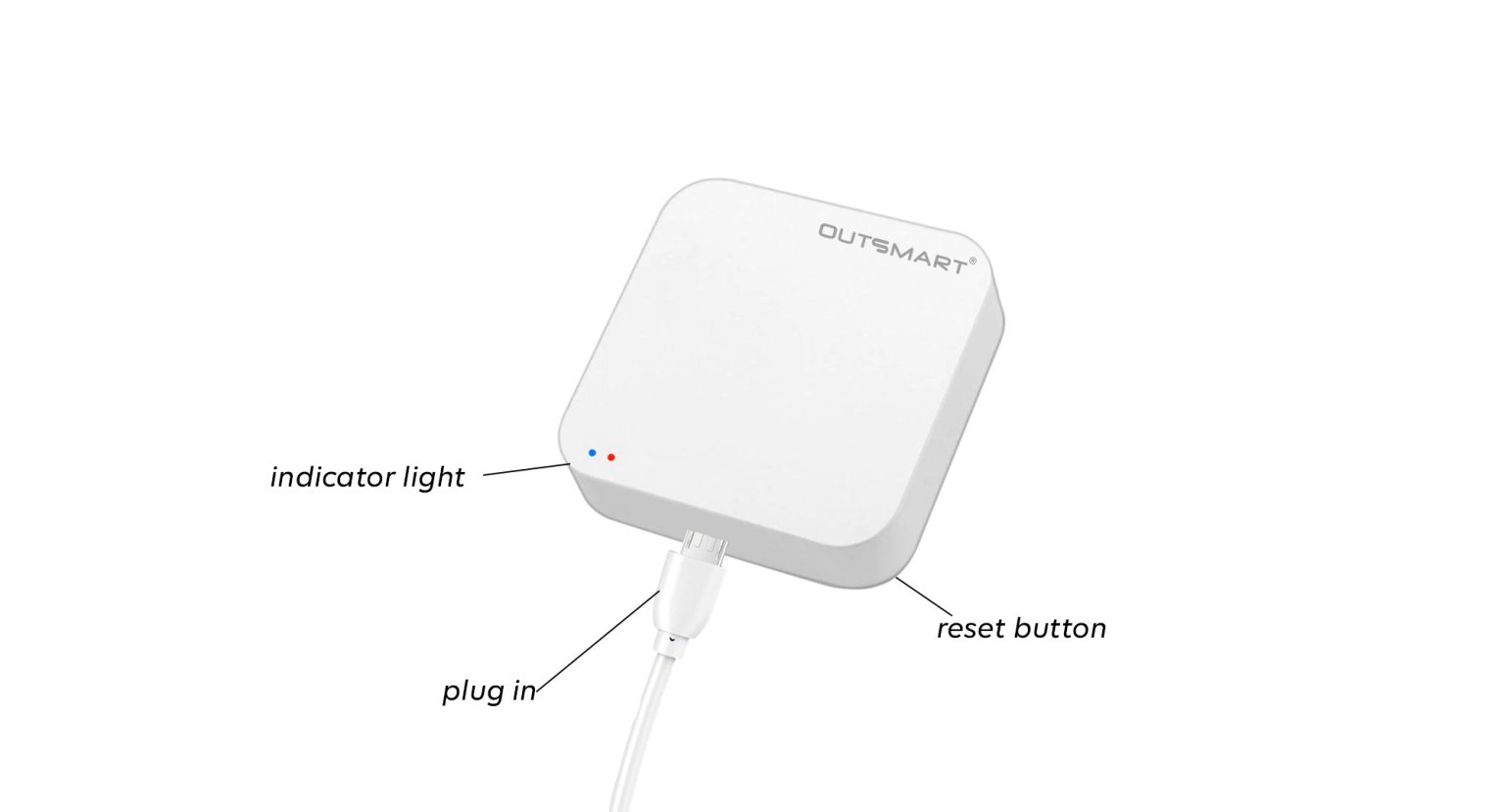
Plug into a socket
Turn on the power
Wait for 5 seconds
Long press the reset button for 10 seconds
Indicator light will start flashing
how to activate
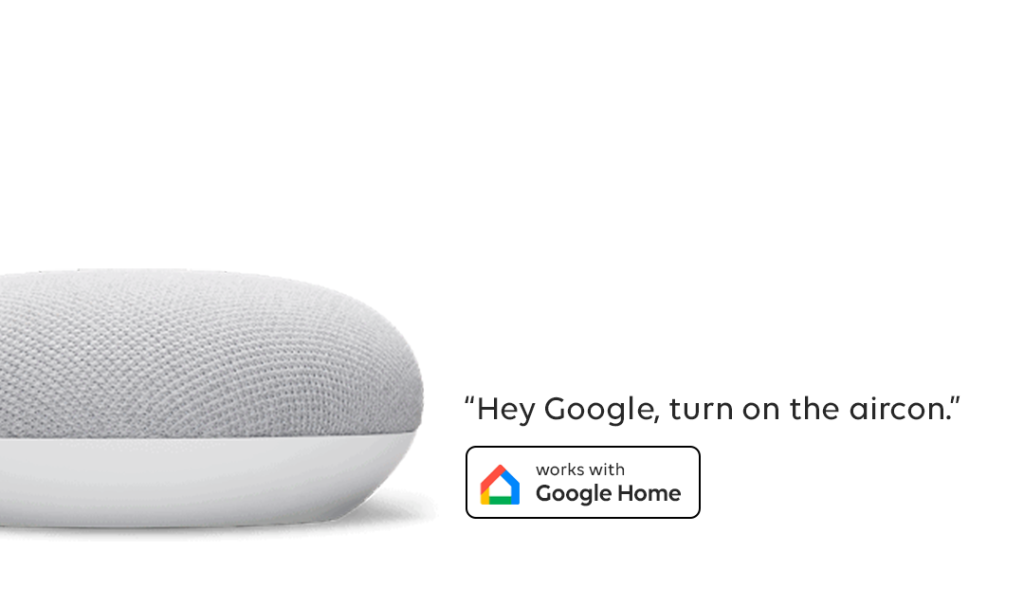
Voice Assistance
tap on image below for video tutorial
Remember to tag us when you post them on social media!