Digital Manual
Zigbee LED Strip

Zigbee Hub Required for Connection

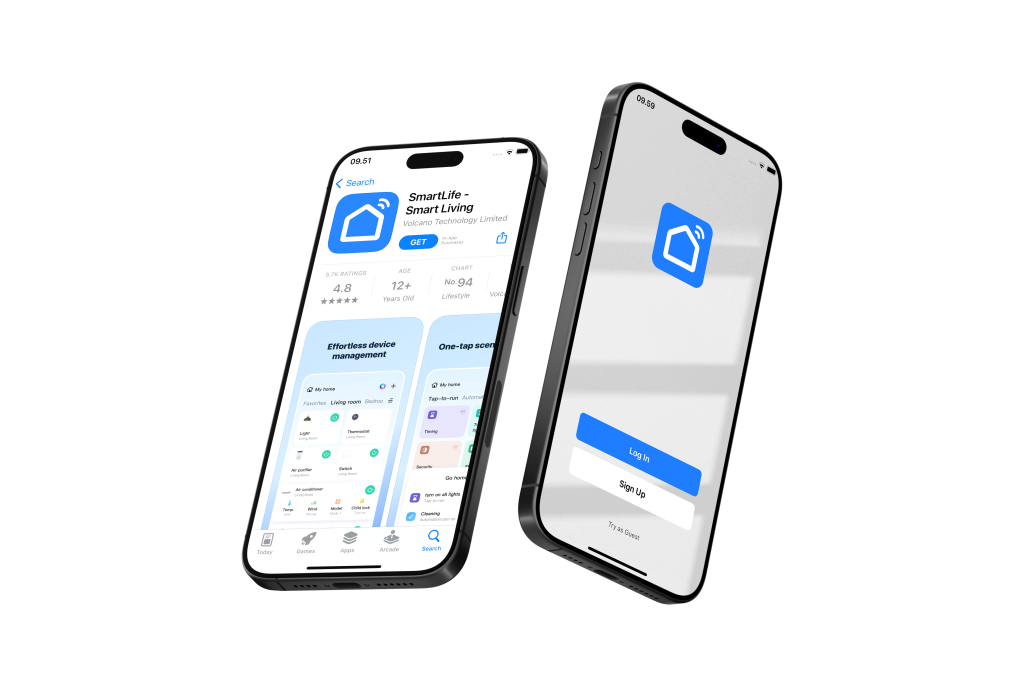
App Installation​

Manage and control all your smart devices conveniently in one app.

  • Download Smartlife App:
    • Visit the Google Play Store (for Android devices) or Apple App Store (for iOS devices)
    • Search for “Smartlife” and click the “Download” or “Get” button

  • Register Your Account:
    • Open the Smartlife app and follow the registration prompts
    • Create a new account to get started

  • Grant Necessary Permissions:
    • To ensure seamless connectivity, please grant the Smartlife app access to:
      • Notifications
      • Location
      • Wi-Fi
      • Bluetooth
  • Important Wi-Fi Configuration Note:
    Most smart home products, including this device, are compatible with Wi-Fi 2.4GHz networks only.
  • If you have a combined router:
    Please contact your telecom provider for assistance on how to disable Wi-Fi 5GHz to ensure proper connectivity.
  • Pre-Connection Checklist:
    Before adding your device, please ensure:
    ✓ Bluetooth is enabled on your mobile phone
    ✓ Wi-Fi is enabled on your mobile phone
    ✓ Your mobile phone is connected to your home Wi-Fi network (2.4GHz)
     

Ensure Outsmart Zigbee Hub is Connected Successfully

A Outsmart Zigbee hub is required in order to use Outsmart Zigbee products

Zigbee 3 Tone COB LED Strip Setup Guide

Zigbee RGBCCT COB LED Strip Setup Guide

Remember to tag us when you post them on social media!

FAQ

Can the light strip be cut and extended?

Yes, the light strip can be cut and extended as long as it stays within the driver’s wattage limit. Any leftover strips can be reused in other areas. Please note that additional drivers are required when using leftover strips in new locations.

The strip does not show the breathing effect. What should I do?

There is a reset button on the cool white strip driver. Please press and hold the reset button to restore the breathing effect.

If your driver is for an all-color LED strip, turn it off for 5 seconds, then turn it on for 2 seconds to reset the LED strip.

Do I need a connector to extend the strip?

No. Each strip already comes with wires on both ends for easy connection.

Does this product require a Zigbee hub?

Yes, this product requires a Zigbee hub to operate.

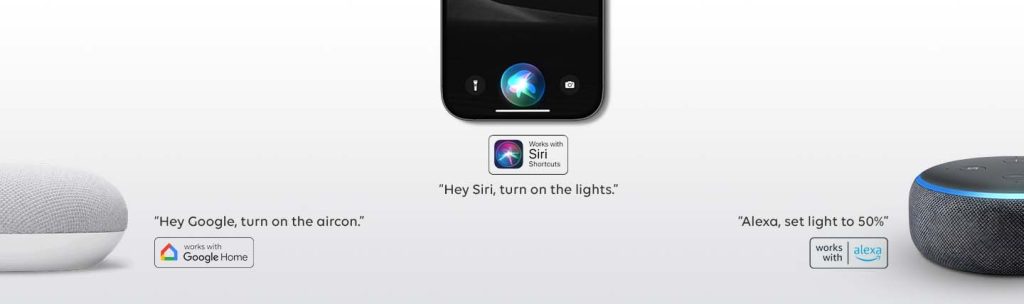
How can i control with my voice using Google Home and Alexa

You need to bind the app together first in order to allow smart ai voices to locate the devices.