
 Wifi 2.4ghz
 Require Neutral Wire
 Built-in Zigbee Hub
 Built-in Alexa
 Two-Way Audio
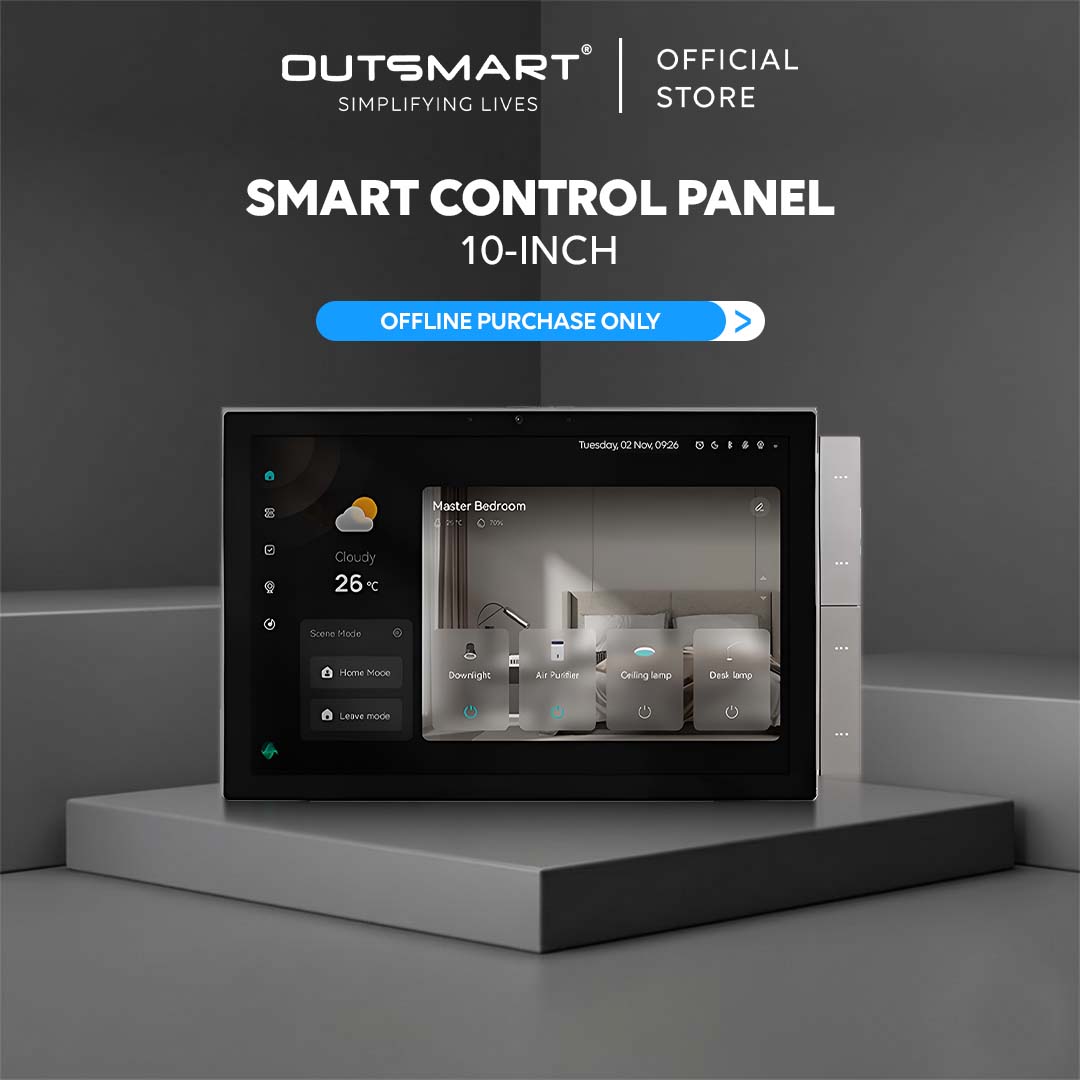
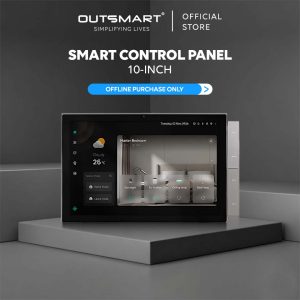
 Interactive Touch Screen Control
10.1” Liquid Retina Display
Experience vivid clarity and ultra-smooth interaction with a high-resolution 1920×1200 touchscreen designed to elevate every smart home experience.
T-Control™ Magic Button
Customize scenes, devices, lighting, and volume with intuitive physical shortcut buttons for faster, smarter everyday control.


All-in-One Smart Home Hub
Combining gateway control, scene switching, intercom, camera, and smart automation into a single premium interface for complete home management.
Built-in Zigbee & Bluetooth Gateway
Control and connect your entire smart ecosystem seamlessly with integrated Zigbee, Bluetooth, and 485 gateway support in one centralized panel.


10.1” Liquid Retina Display
Experience vivid clarity and ultra-smooth interaction with a high-resolution 1920×1200 touchscreen designed to elevate every smart home experience.
T-Control™ Magic Button
Customize scenes, devices, lighting, and volume with intuitive physical shortcut buttons for faster, smarter everyday control.
All-in-One Smart Home Hub
Combining gateway control, scene switching, intercom, camera, and smart automation into a single premium interface for complete home management.
Built-in Alexa
Bringing hands-free voice control to your fingertips. With Alexa integrated directly into the switch, you can control your lights, appliances, and more using simple voice commands—no additional Alexa device required. For example, say, “Alexa, turn off the living room lights,” or “Alexa, dim the bedroom lights to 50%,” and enjoy seamless, voice-activated convenience.
FAQ
- Download Outsmart® app from Google or Apple Store
- Register an account with us
- Grant all Wifi, Bluetooth, location and notification access for seamless connectivity
- Connect your mobile to ONLY 2.4ghz Wifi, and turn on Bluetooth
- Tap on the (+) button on top right, then Add Device
- Ensure Wifi and Bluetooth are both turned on
- Reset Switch / Enter Paring Mode
To reset the switch and enter into pairing mode, long press the first gang for 10 seconds, you will see the indicator light flashing - Tap open the Zigbee hub from app, and tap on add new device
- App will auto discover the product, otherwise, reset the product again
- Enter the correct password
- Tap next and add
- You are connected !
- Digital manual : https://outsmart.sg/digital-manual-zigbee-switches/
Yes, neutral wiring is complusory for Lynk Smart Control Panel
When Lynk is successfully installed, it double up as a Zigbee Hub which allow user to connect Zigbee products and help to ease the Wifi bandwidth.
The touchscreen allows for easy manual control of smart curtain, smart plugs, smart remote and trigger scene.
Yes, you can use Alexa to turn devices on/off, adjust dimmable lights
No, smart features require wifi connection

Reviews
There are no reviews yet.