
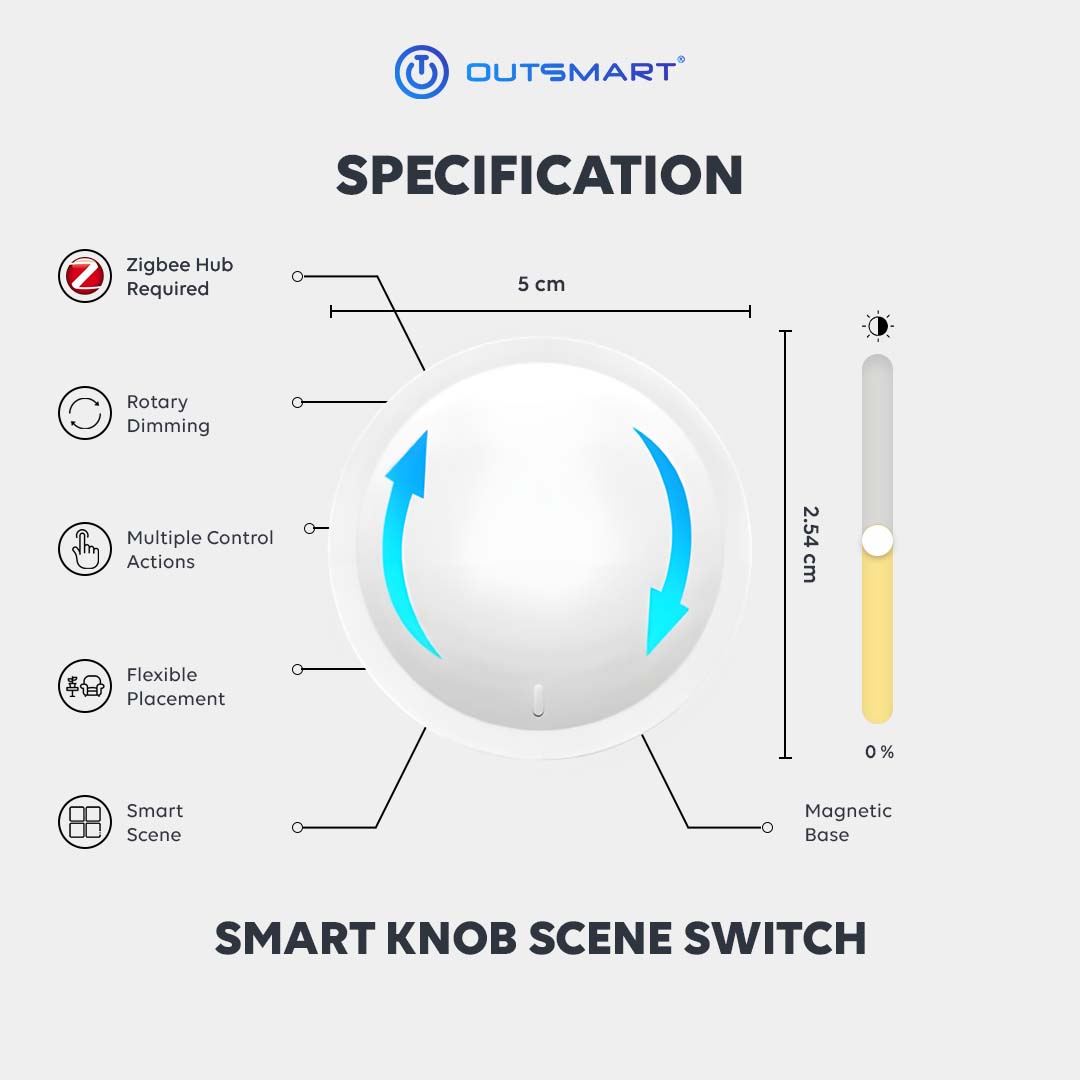


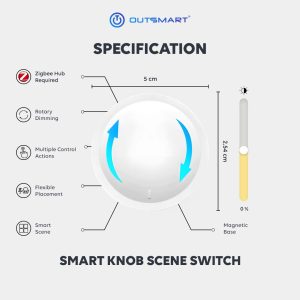

 Zigbee hub required
 No wiring required
 Multiple Control Actions
 Flexible Placement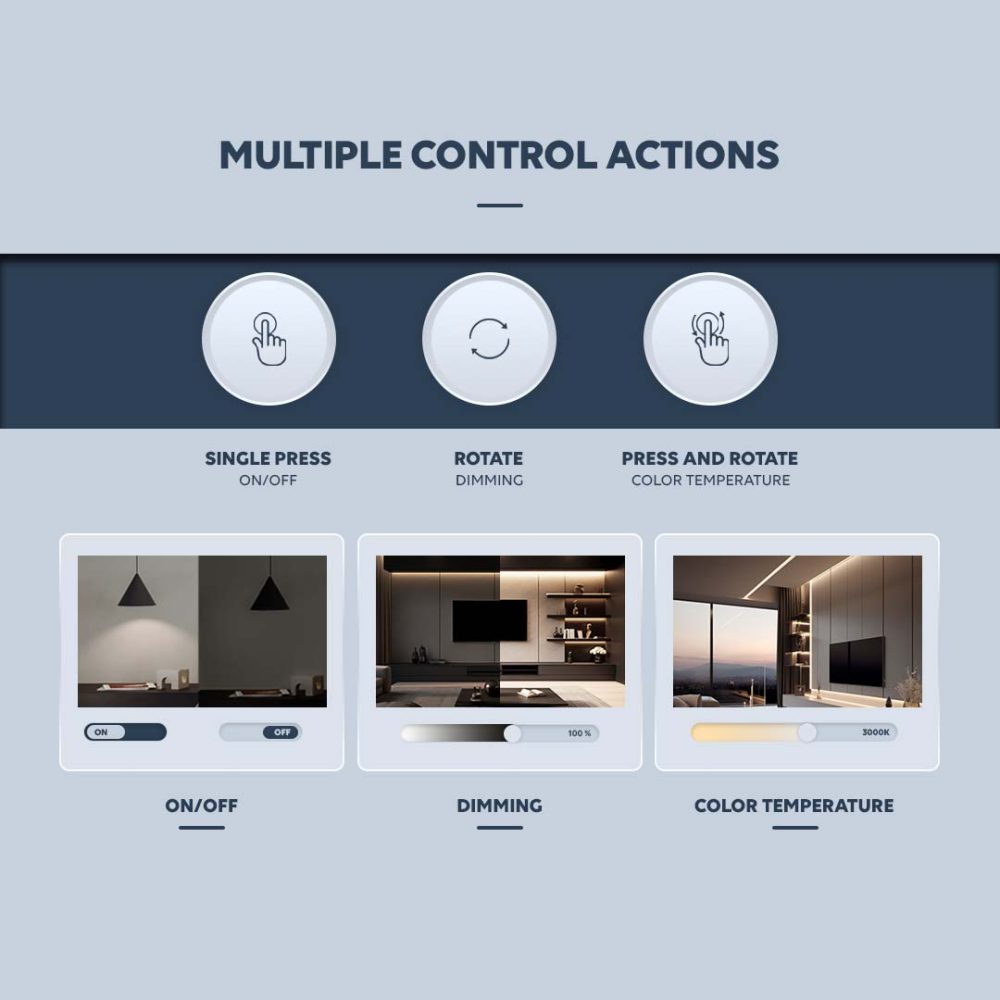
Multiple Control Actions
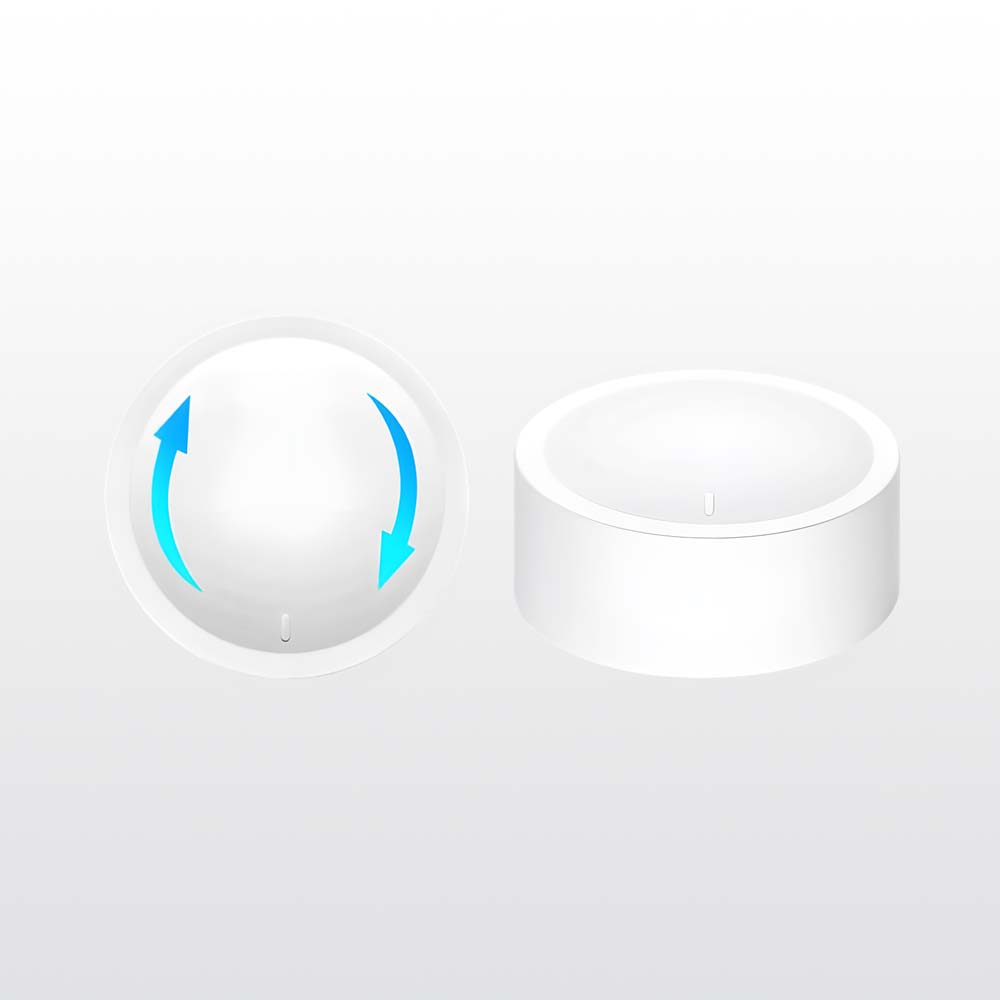
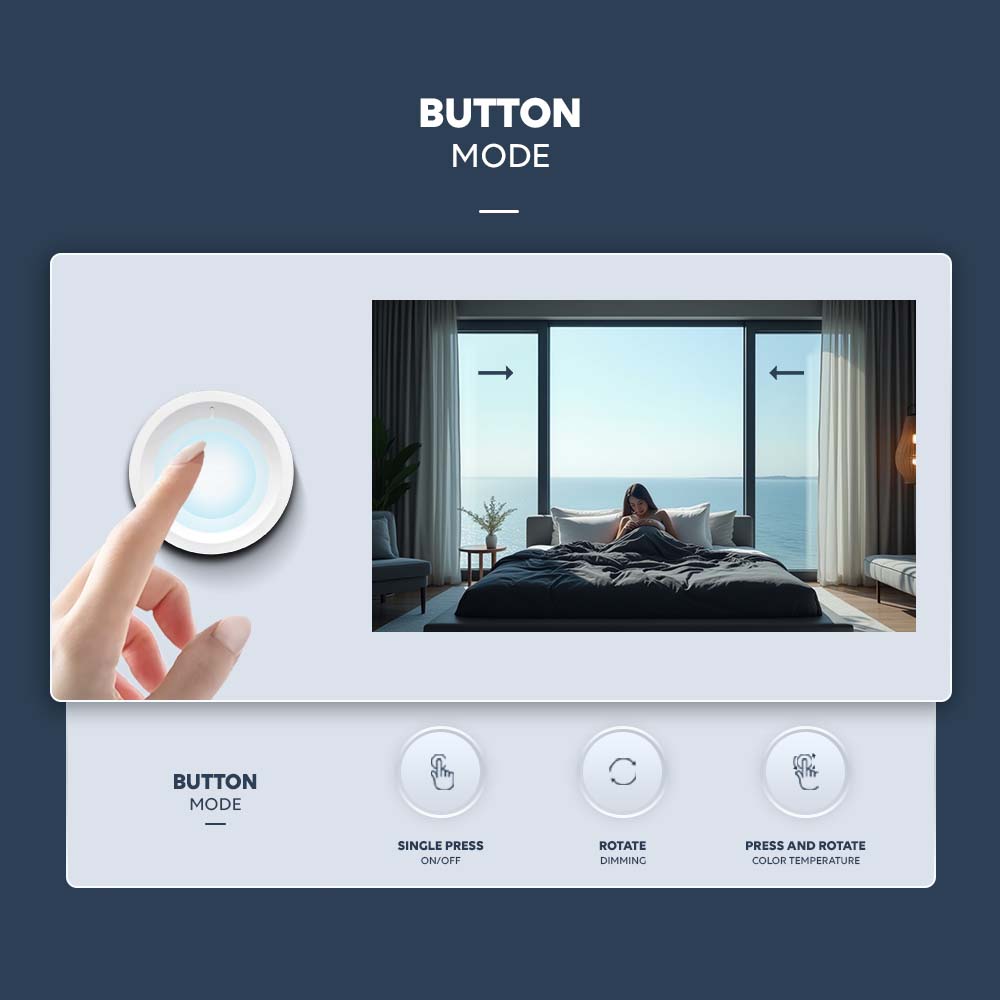
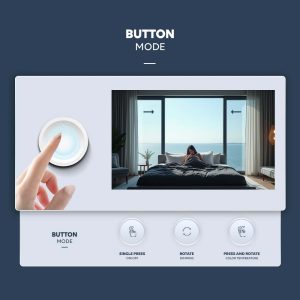
Designed for simplicity and precision, this smart knob responds naturally to every touch. A single press turns your lights on or off instantly. Simply rotate the knob to adjust brightness smoothly, and press while rotating to fine-tune the color temperature. It’s seamless control, all in one elegant motion.
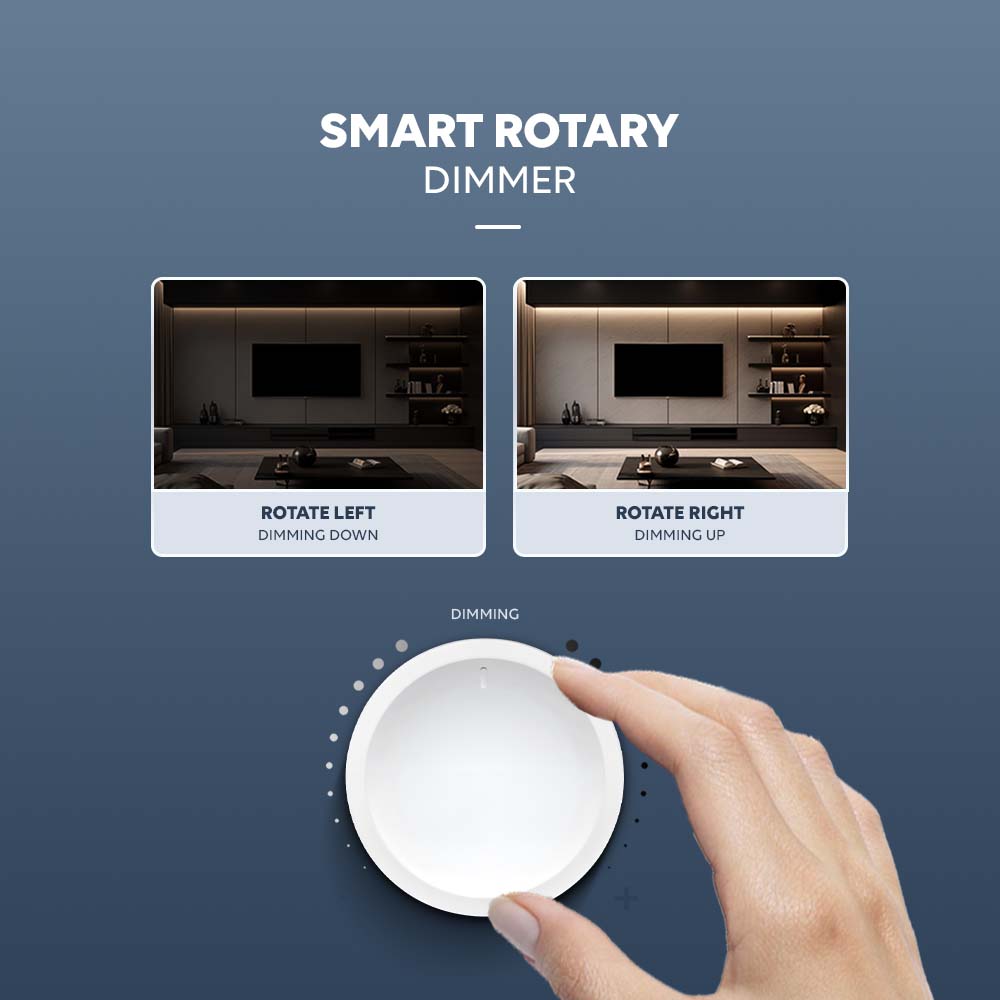
Smart Rotary Dimmer
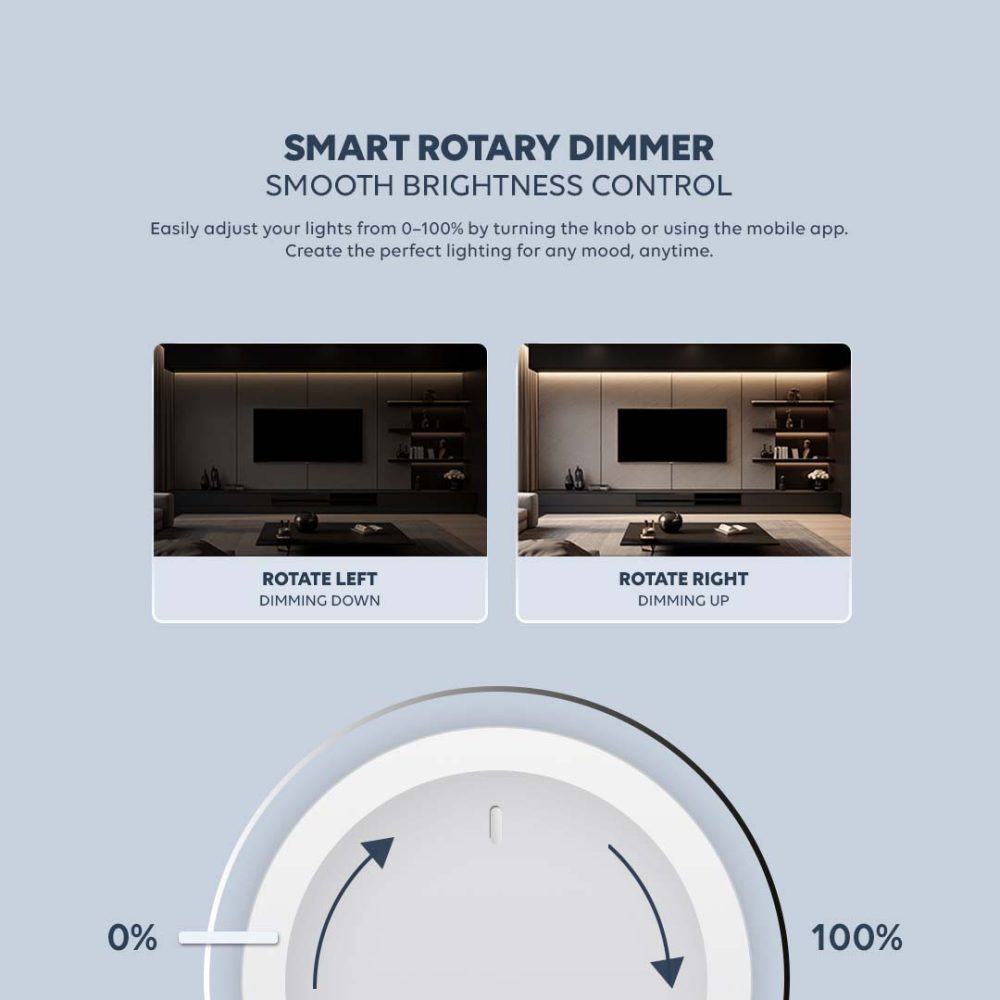
Enjoy full range dimming from 0% to 100% with a gentle turn of the knob. The transition is smooth and precise, allowing you to set the perfect lighting level for any moment. For added convenience, you can also adjust brightness easily through the mobile app, giving you flexible control anytime, anywhere.
Scene Mode & Dimming Mode
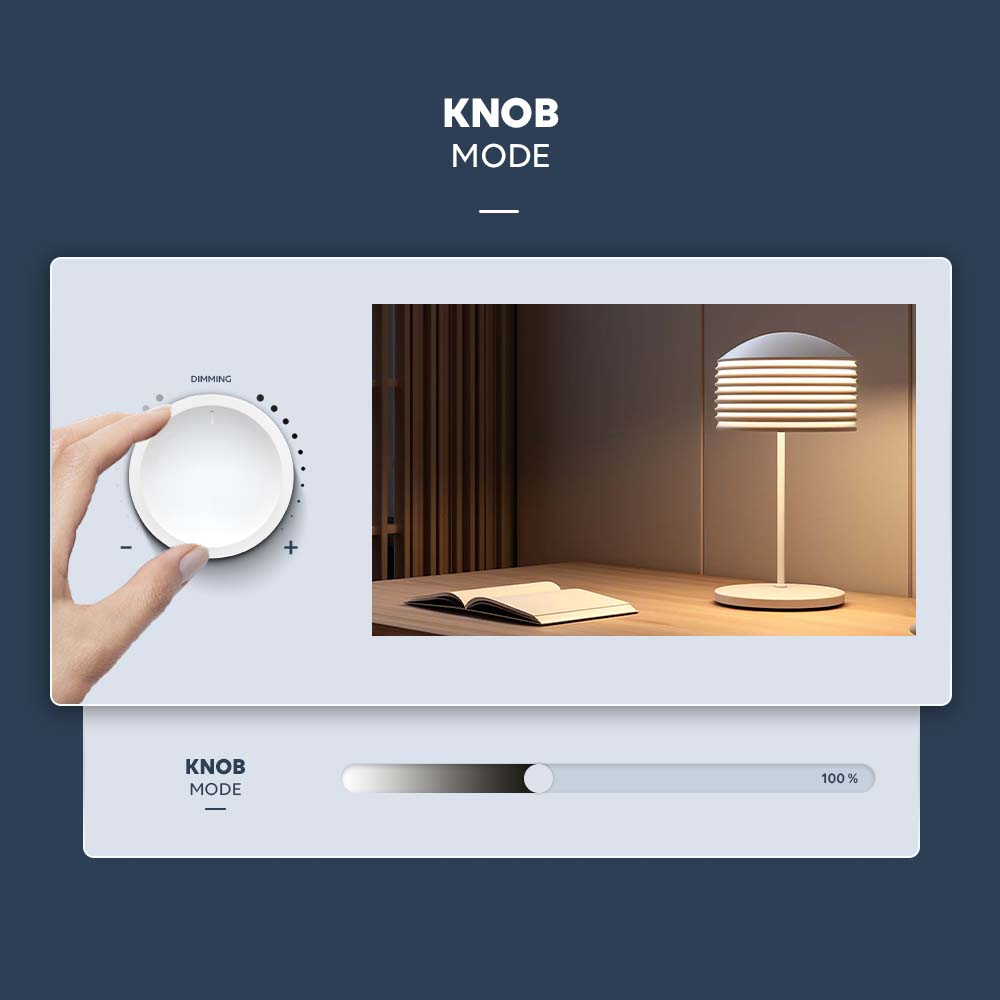
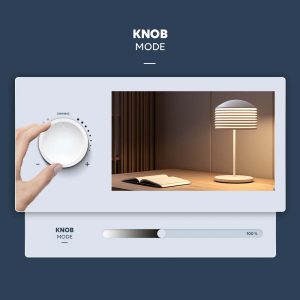
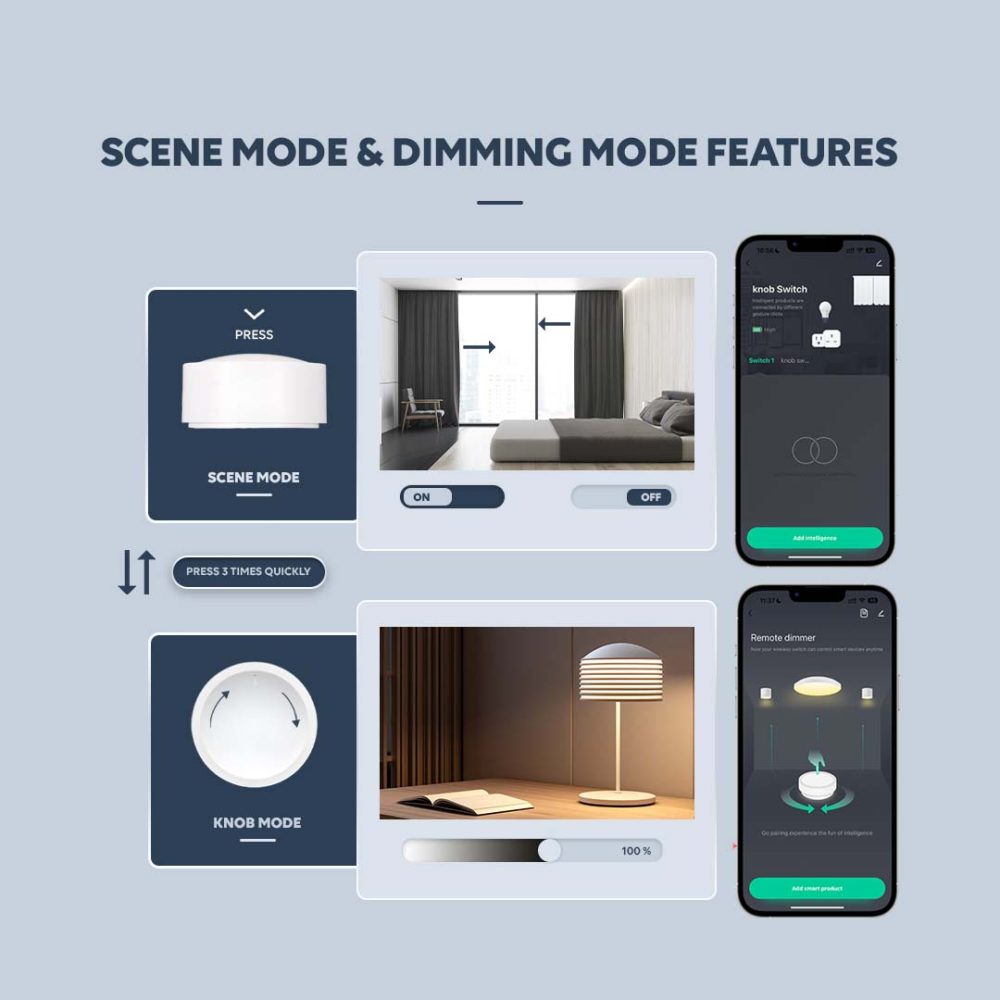
Switch between scene mode and dimming mode effortlessly. A single press activates your preset lighting scene, creating the perfect atmosphere instantly. When you need more precise manual control, simply press three times quickly to enter knob mode, where you can adjust brightness directly with a smooth rotation.
Easy Reset Function
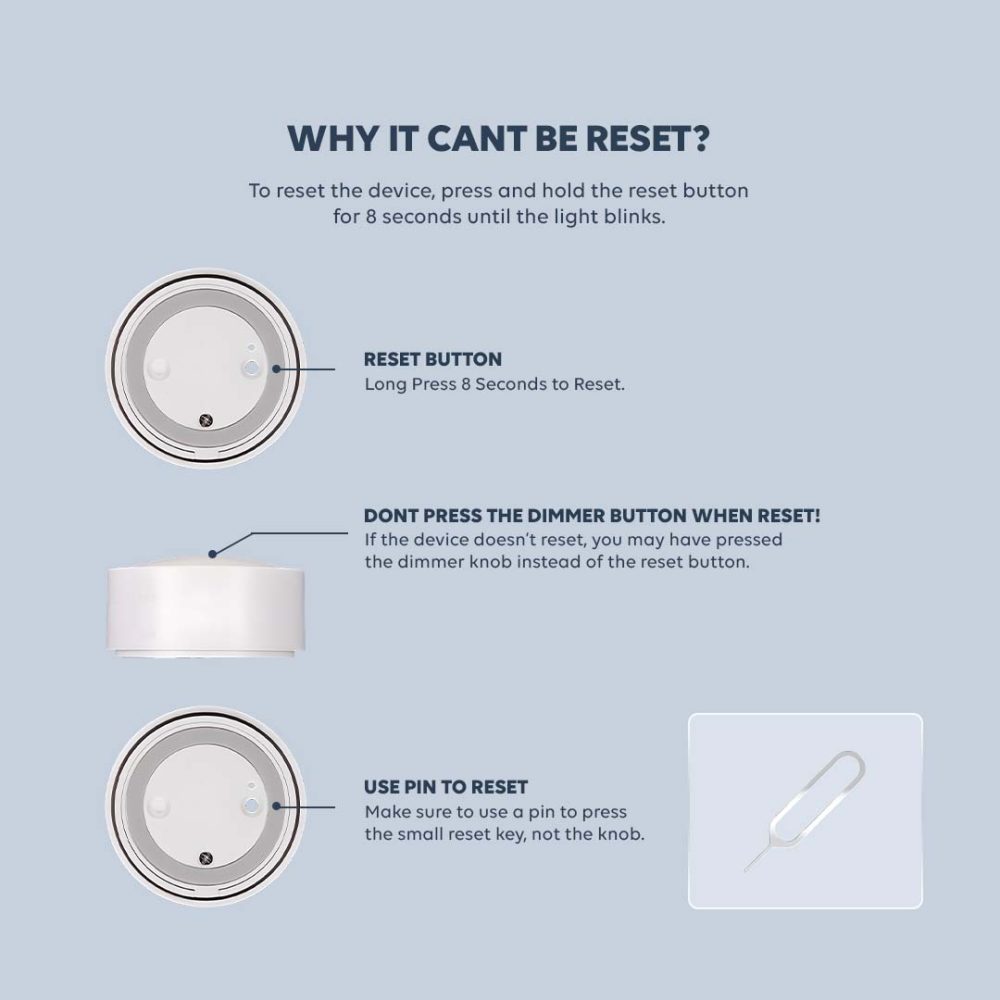
Resetting your Smart Zigbee Knob Scene Switch is simple and secure. To restore the device, press and hold the reset button for 8 seconds until the indicator light starts blinking. This confirms the device has successfully entered reset mode. For accurate resetting, make sure you press the dedicated reset button, not the dimmer knob. If the device does not reset, it may be because the dimmer was pressed instead. We recommend using a small pin to gently press the reset key for precise control. This ensures a proper reset every time while protecting the knob from unnecessary pressure.
Multiple Control Actions
Designed for simplicity and precision, this smart knob responds naturally to every touch. A single press turns your lights on or off instantly. Simply rotate the knob to adjust brightness smoothly, and press while rotating to fine-tune the color temperature. It’s seamless control, all in one elegant motion.
Smart Rotary Dimmer
Enjoy full range dimming from 0% to 100% with a gentle turn of the knob. The transition is smooth and precise, allowing you to set the perfect lighting level for any moment. For added convenience, you can also adjust brightness easily through the mobile app, giving you flexible control anytime, anywhere.
Scene Mode & Dimming Mode
Switch between scene mode and dimming mode effortlessly. A single press activates your preset lighting scene, creating the perfect atmosphere instantly. When you need more precise manual control, simply press three times quickly to enter knob mode, where you can adjust brightness directly with a smooth rotation.
Easy Reset Function
Resetting your Smart Zigbee Knob Scene Switch is simple and secure. To restore the device, press and hold the reset button for 8 seconds until the indicator light starts blinking. This confirms the device has successfully entered reset mode. For accurate resetting, make sure you press the dedicated reset button, not the dimmer knob. If the device does not reset, it may be because the dimmer was pressed instead. We recommend using a small pin to gently press the reset key for precise control. This ensures a proper reset every time while protecting the knob from unnecessary pressure.
FAQ
Yes, this device requires a Zigbee Hub to function
Simply rotate the knob:
Turn left to dim the lights
Turn right to brighten the lights
You can also adjust warm to cool white lighting smoothly.
Yes. It supports dual functions:
Works as a dimmer for smart lights
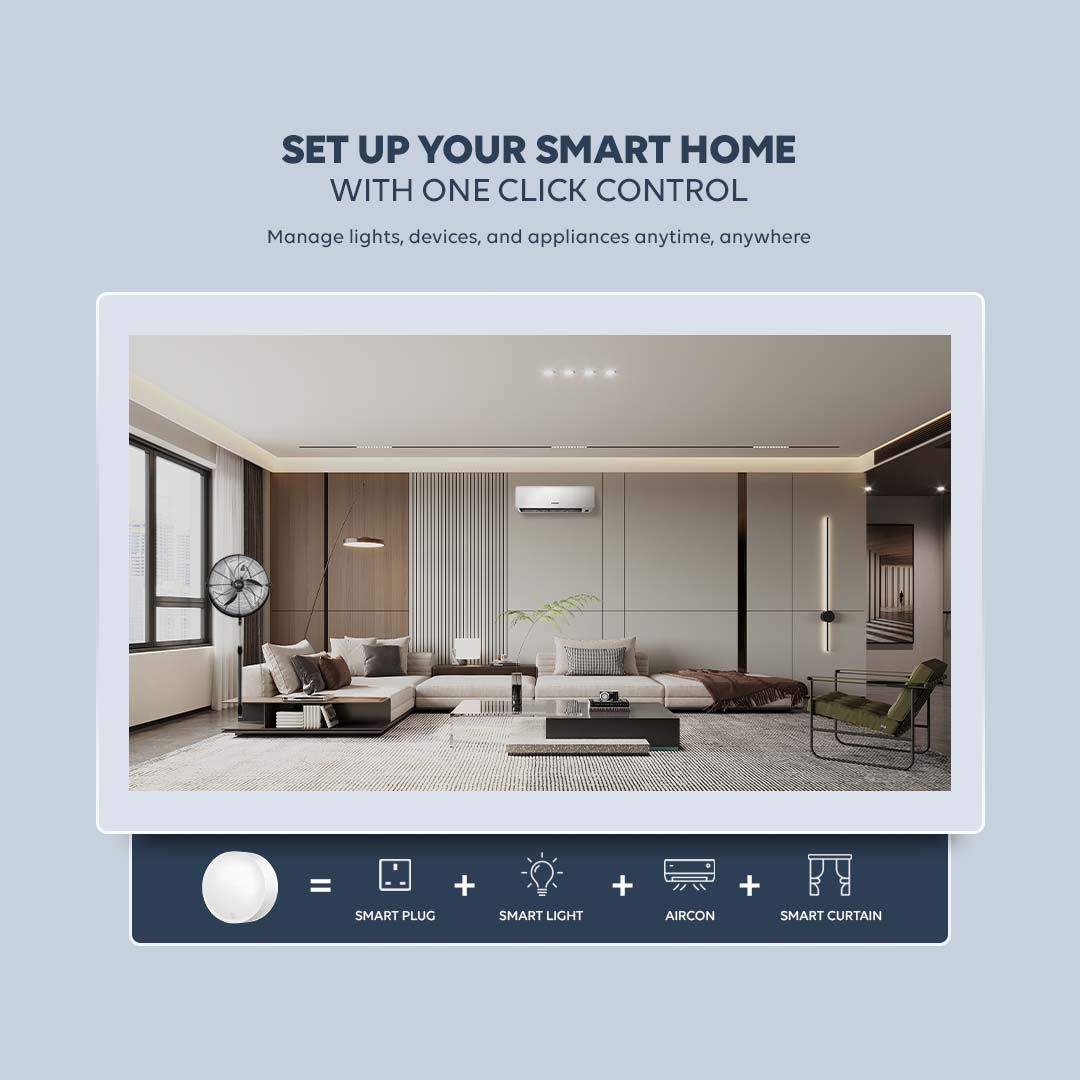
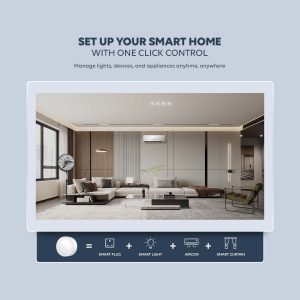
Functions as a scene switch to control lights, curtains, or other smart scenes
Yes. Once connected to the Zigbee hub, you can control and customize functions via the mobile app and compatible voice assistants.

Reviews
There are no reviews yet.