


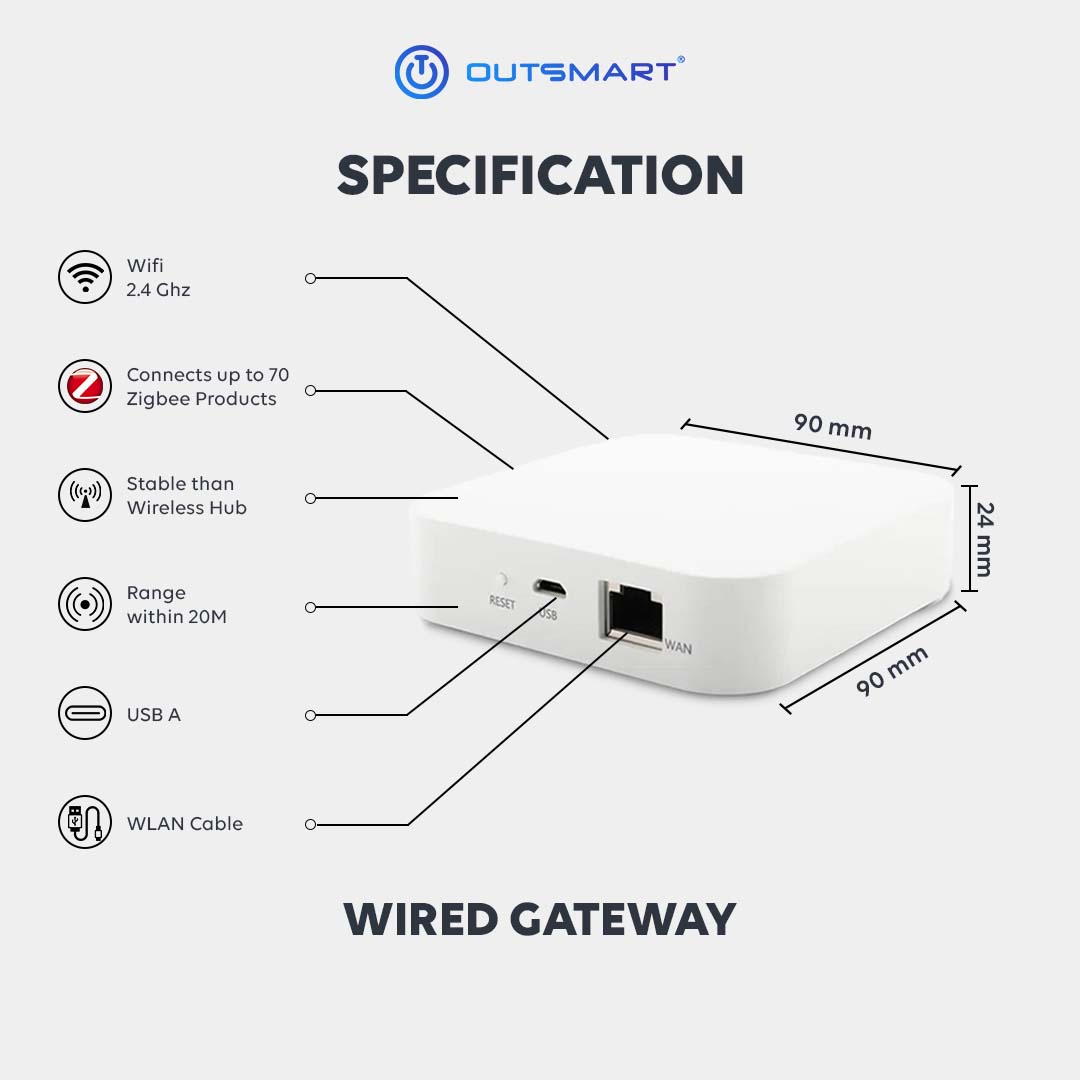






 Wifi 2.4 Ghz
 Connect up to 35 Zigbee Devices
 Range within 15m


Wireless Connectivity
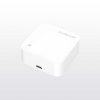
The Zigbee Wireless Hub connects up to 35+ Zigbee devices wirelessly, eliminating clutter and simplifying setup. Enjoy reliable and secure communication between devices.
Centralized Control
Control and monitor all connected devices through the hub’s intuitive app (iOS and Android). Access automation and scheduling

Wireless Connectivity
The Zigbee Wireless Hub connects up to 35+ Zigbee devices wirelessly, eliminating clutter and simplifying setup. Enjoy reliable and secure communication between devices.
Centralized Control
Control and monitor all connected devices through the hub’s intuitive app (iOS and Android). Access automation and scheduling
FAQ
- Download Outsmart® app from Google or Apple Store
- Register an account with us
- Grant all Wifi, Bluetooth, location and notification access for seamless connectivity
- Connect your mobile to ONLY 2.4ghz Wifi, and turn on Bluetooth
- Tap on the (+) button on top right, then Add Device
- Ensure Wifi and Bluetooth are both turned on
- To reset and enter into pairing mode, Long press the reset button for 10seconds
- App will auto discover the product, otherwise, reset the product again
- Enter the correct password
- Tap next and add
- You are connected !
A central hub connecting Zigbee devices to the internet via Ethernet.
Coverage may vary due to building layout, walls, and interference sources.
Outsmart works with various brand, please check with us before purchase
No, simple plug-and-play installation.
Central location for optimal Zigbee network coverage.
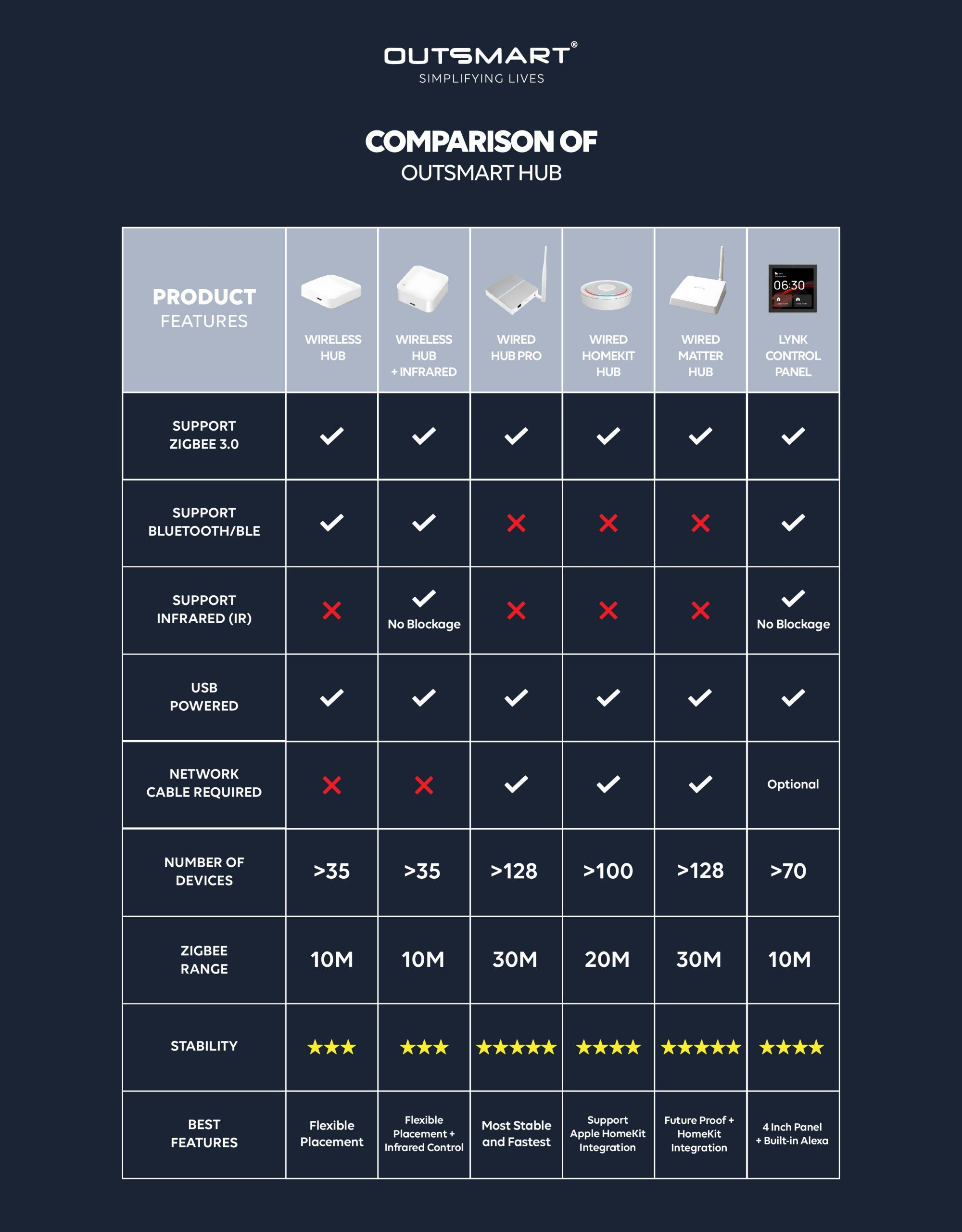
For stability, it is recommended to keep within 35 devices
Yes, easily movable, but ensure optimal Wi-Fi coverage.
The main difference is how they connect to the internet: Wired Hubs use Ethernet cables, while Wireless Hubs use Wi-Fi.
Wired Hubs provide a more stable and reliable connection, while Wireless Hubs may be prone to interference.
Long press 10s the reset button

Reviews
There are no reviews yet.