
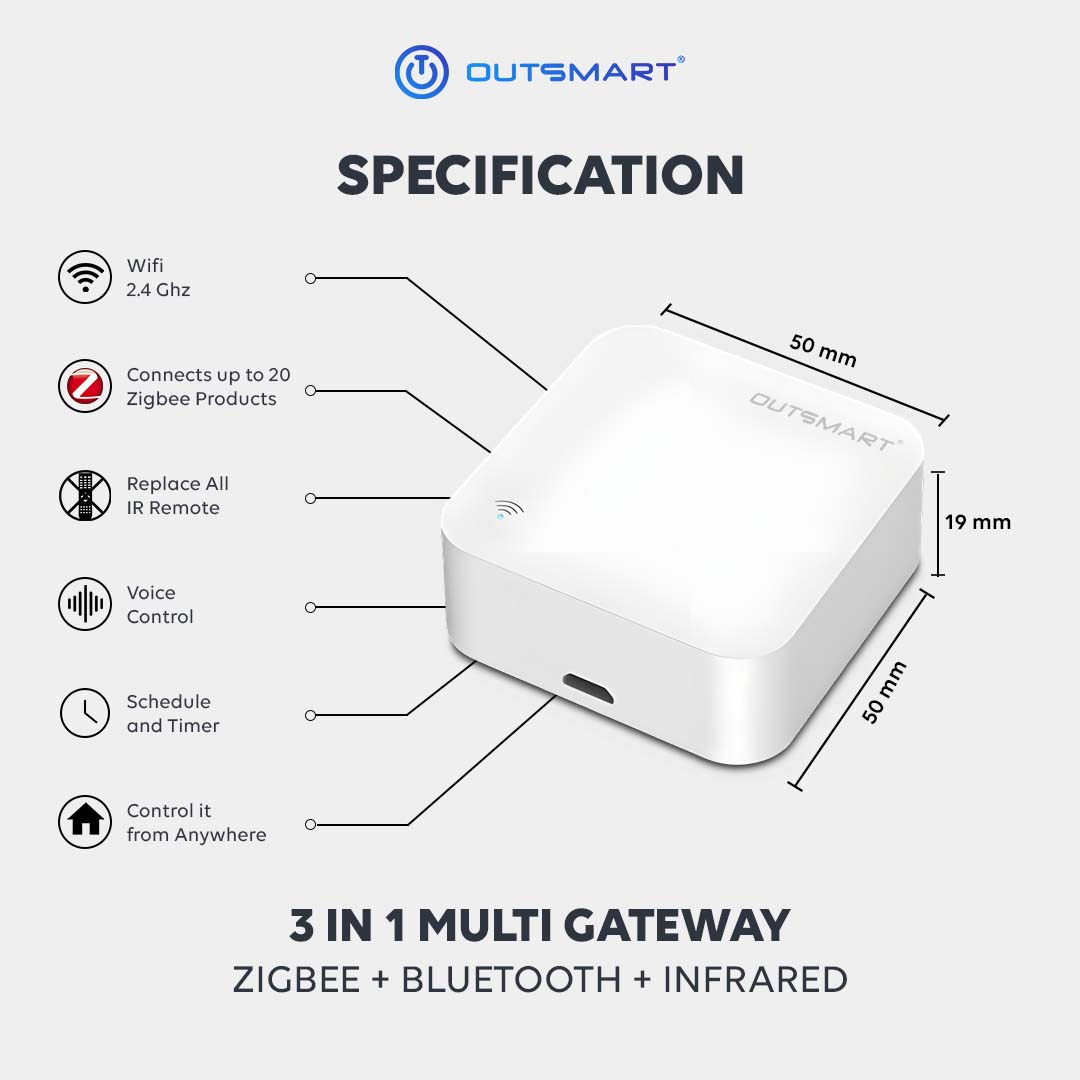


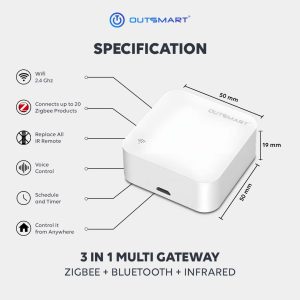
 Wifi 2.4 Ghz
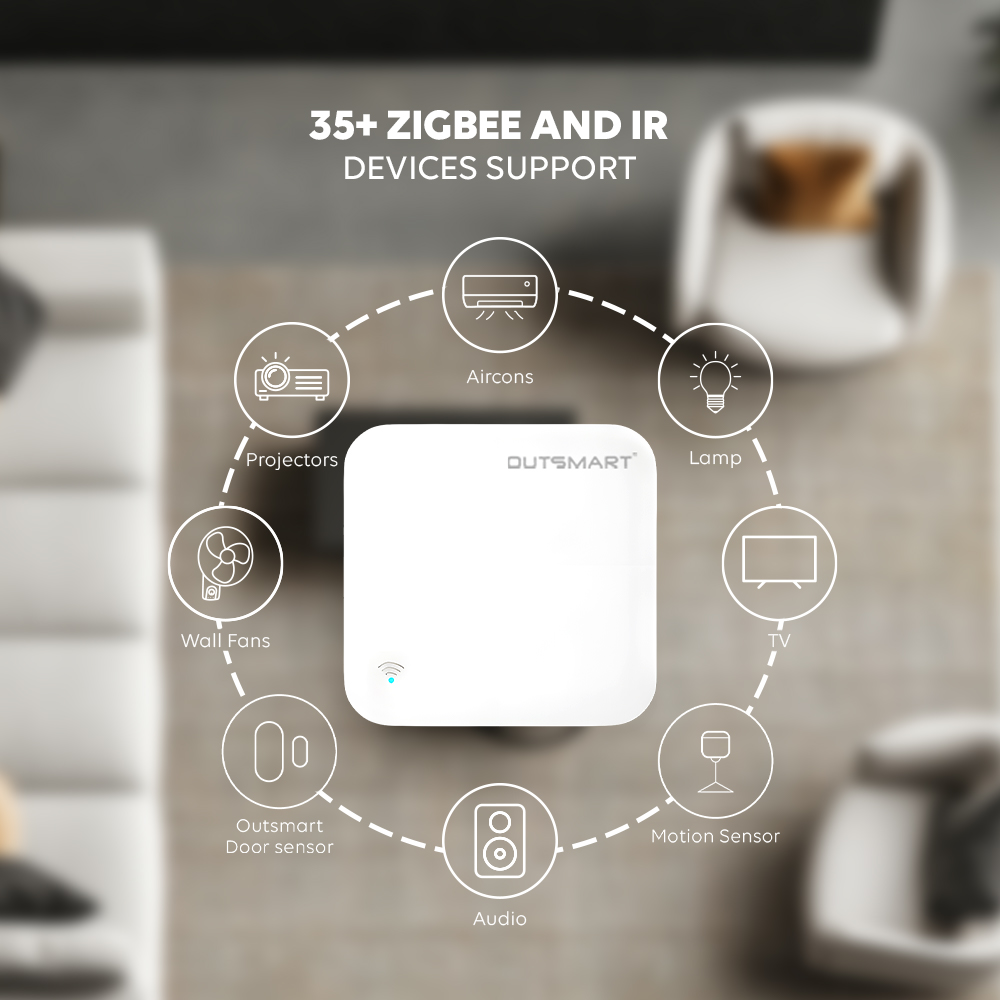
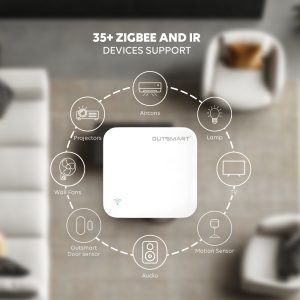
 Connect up to 35 zigbee product
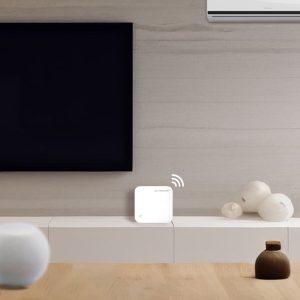
 Integrates infrared devices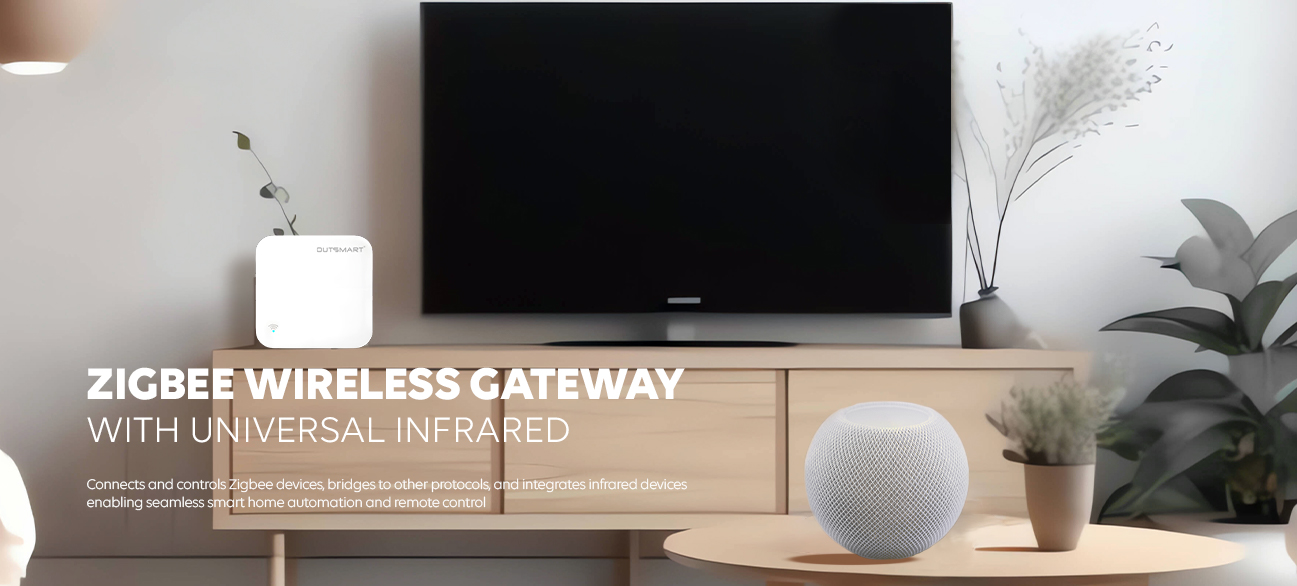


Wireless Connectivity
The Zigbee Wireless Hub connects up to 35+ Zigbee devices wirelessly, eliminating clutter and simplifying setup. Enjoy reliable and secure communication between devices.
Centralized Control
Control and monitor all connected devices through the hub’s intuitive app (iOS and Android). Access automation and scheduling

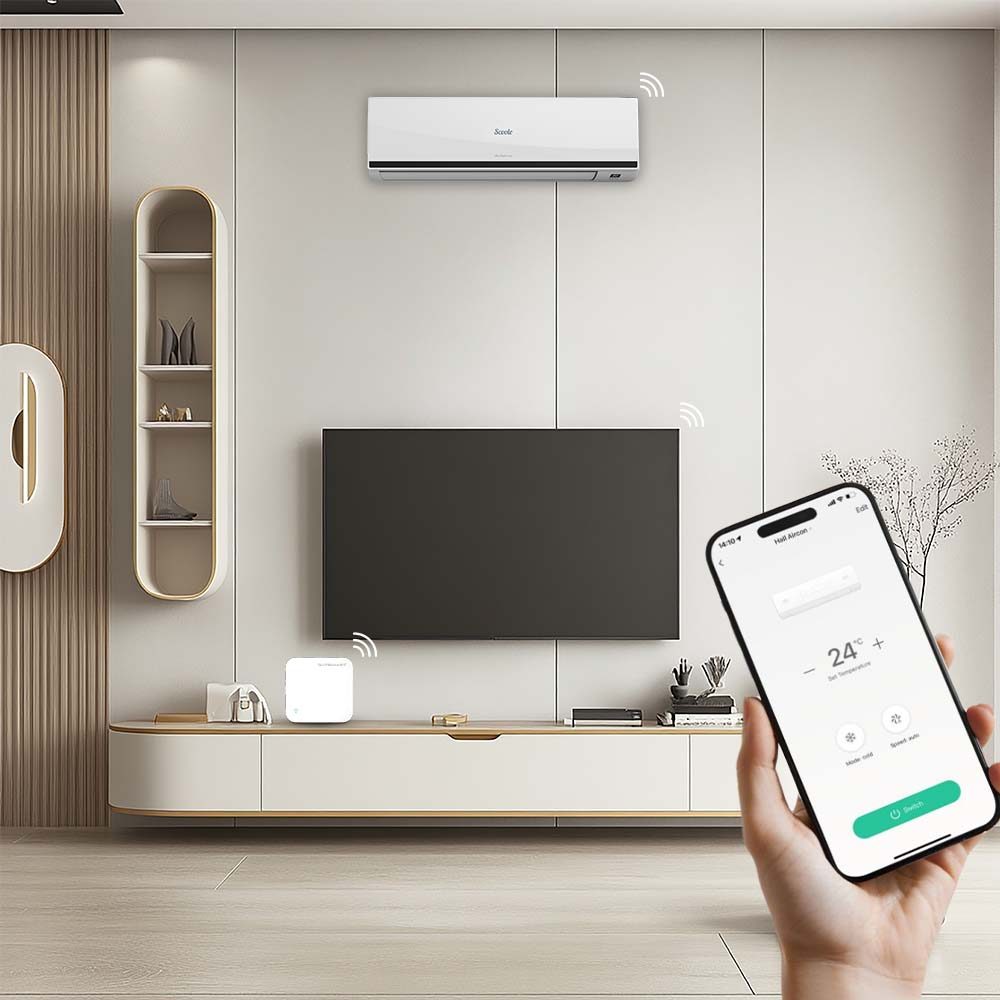
Universal Infrared (IR) Control
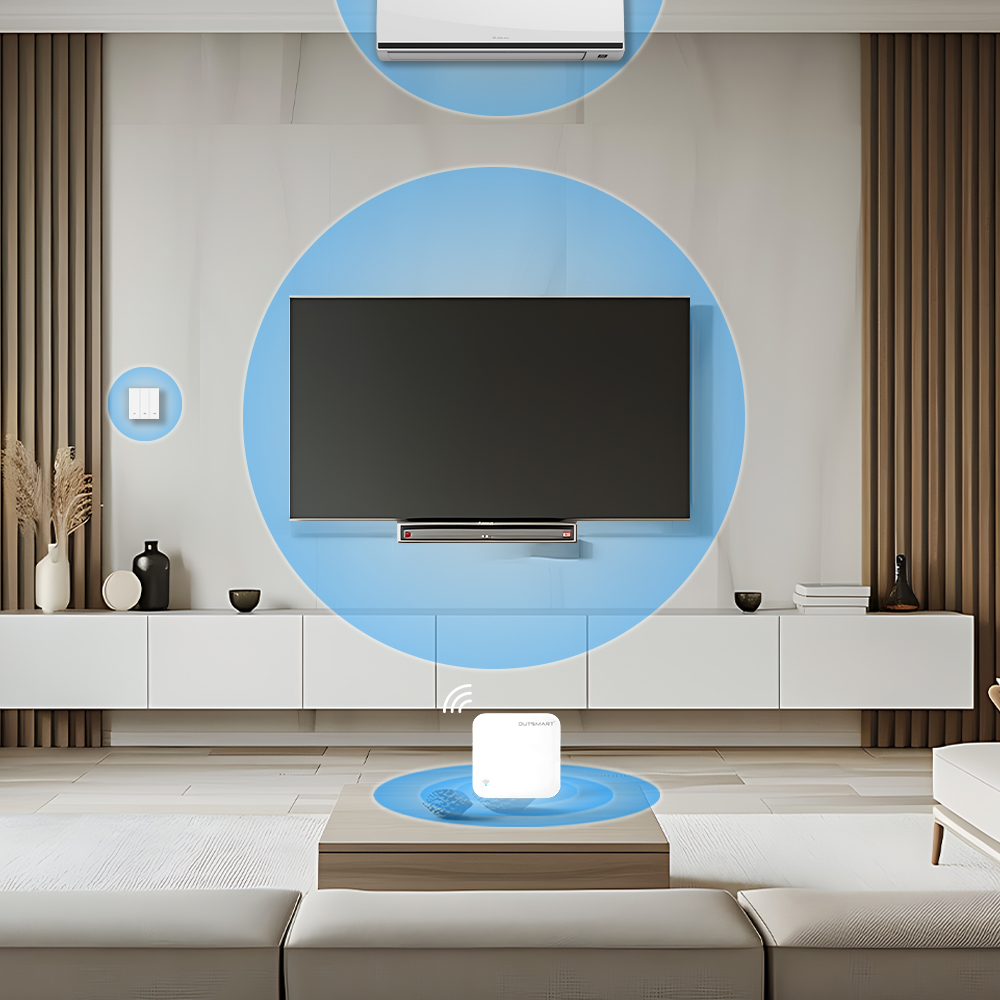
Controls IR-enabled devices (e.g., TVs, air conditioners, fans) using the gateway’s built-in IR blaster.
Wireless Connectivity
The Zigbee Wireless Hub connects up to 35+ Zigbee devices wirelessly, eliminating clutter and simplifying setup. Enjoy reliable and secure communication between devices.
Centralized Control
Control and monitor all connected devices through the hub’s intuitive app (iOS and Android). Access automation and scheduling
Universal Infrared (IR) Control
Controls IR-enabled devices (e.g., TVs, air conditioners, fans) using the gateway’s built-in IR blaster.
FAQ
- Download Outsmart® app from Google or Apple Store
- Register an account with us
- Grant all Wifi, Bluetooth, location and notification access for seamless connectivity
- Connect your mobile to ONLY 2.4ghz Wifi, and turn on Bluetooth
- Tap on the (+) button on top right, then Add Device
- Ensure Wifi and Bluetooth are both turned on
- To reset and enter into pairing mode, Long press the reset button for 10seconds
- App will auto discover the product, otherwise, reset the product again
- Enter the correct password
- Tap next and add
- You are connected !
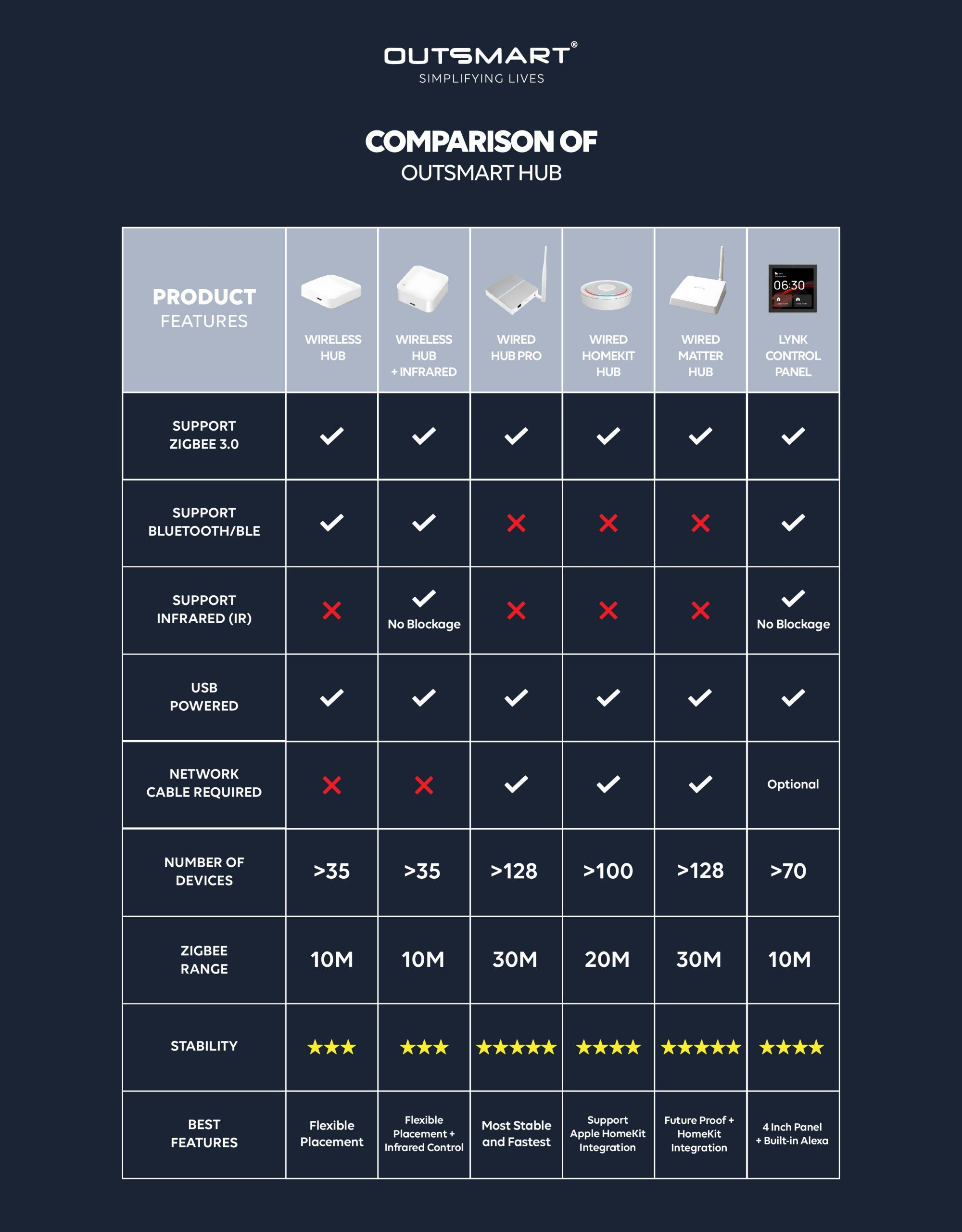
A central hub connecting Zigbee devices to the internet via Ethernet.
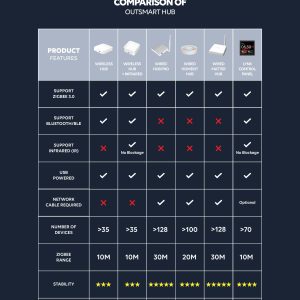
Typically, one wired Zigbee hub suffices for a 5-room HDB flat, covering 10-20 meters indoors. However, coverage may vary due to building layout, walls, and interference sources.
Connect to router via Ethernet cable and power via USB.
Outsmart works with various brand, please check with us before purchase
No, simple plug-and-play installation.
For wired gateway it has to be installed beside the router as ethenet cable is required
For stablility it is recommended to keep within 70 devices
The main difference is how they connect to the internet: Wired Hubs use Ethernet cables, while Wireless Hubs use Wi-Fi.
Wired Hubs provide a more stable and reliable connection, while Wireless Hubs may be prone to interference.
- The Multimode Zigbee hub functions as a central hub for connecting and controlling all Zigbee products.
- Additionally, it serves as a universal infrared remote, enabling you to control various traditional appliances in direct line, such as air conditioners, wall fans, and televisions. however it cannot work with RF appliances
Our smart universal infrared remote can pair with most appliances that come with an infrared remote control. Common compatible devices include: Air Conditioners (AC), Wall Fans, Televisions Speakers
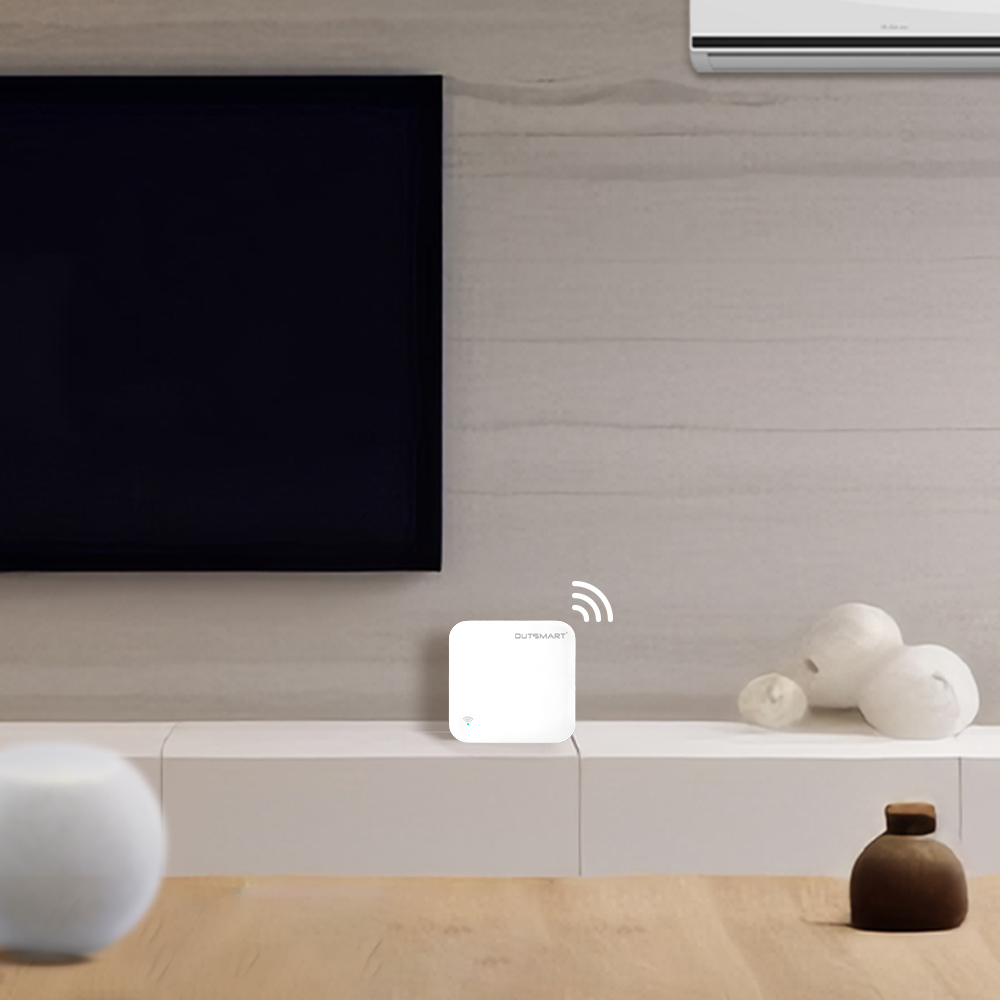
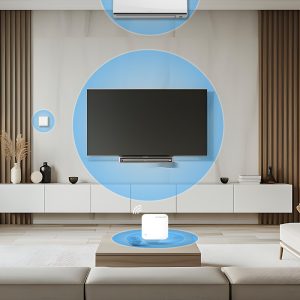
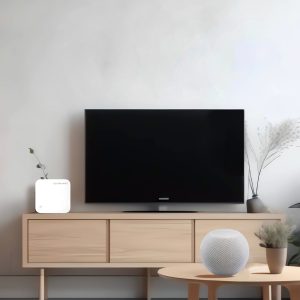
Place the sensor directly in front of the appliance, with no obstacles in between, as infrared signals cannot pass through objects.
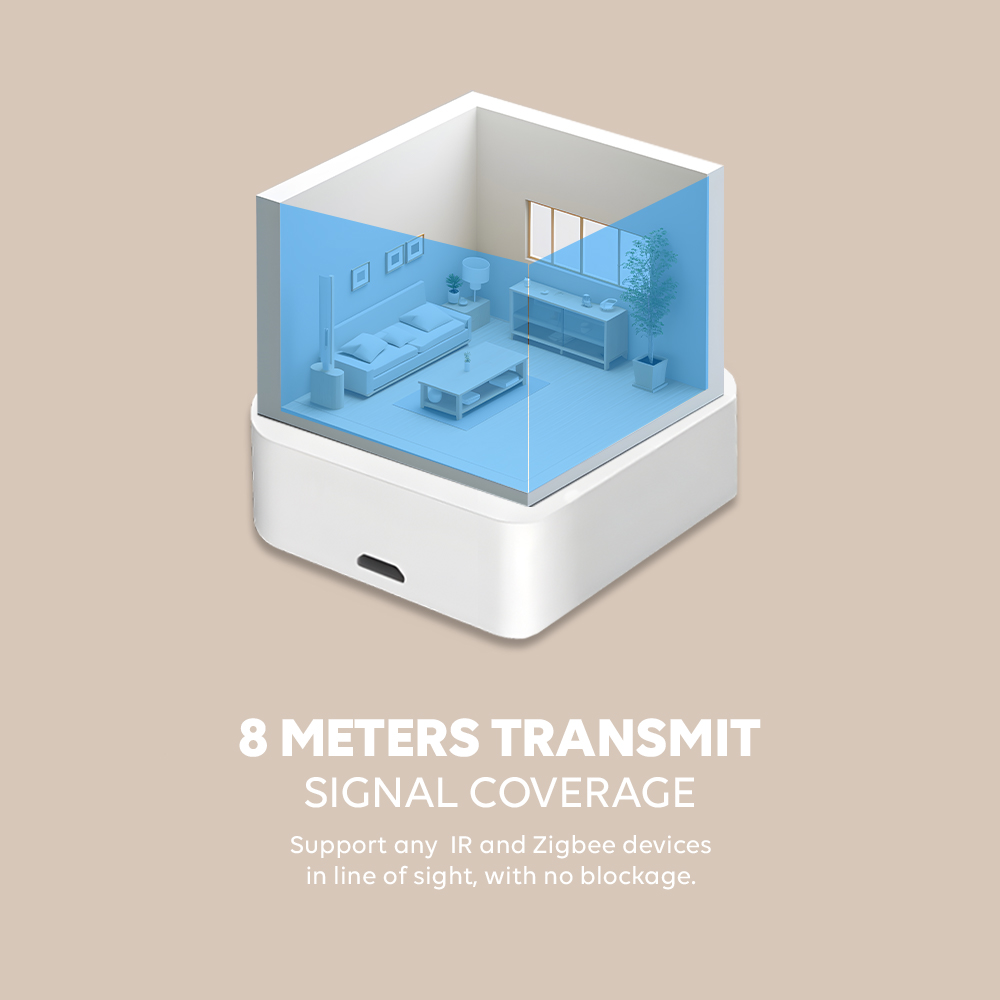
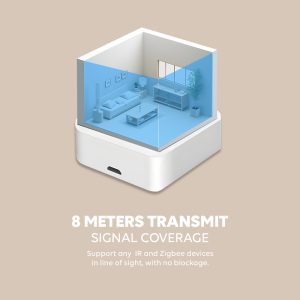
One smart remote is recommended per room, provided that: All infrared appliances are within direct line of sight, with no obstructions blocking the infrared signal. The appliances are within a range of 8 meters
The universal remote features a 360-degree signal design. When two air conditioners from the same brand are present in the same room, the smart remote triggers both simultaneously. However, if the remote is angled to block the line of sight to one of the air conditioners, simultaneous activation is prevented. For air conditioners from different brands, individual control can be configured.
Keep it within 8 to 10m, direct in line, no blockage
Long press 10s the reset button


Reviews
There are no reviews yet.